COP31 will be another milestone in global climate diplomacy, but the outcomes won’t be shaped only inside meeting rooms. Participation, transparency, and accountability increasingly happen through websites, apps, livestreams, PDFs, and online consultation platforms. If those digital touchpoints aren’t accessible, a portion of the public is effectively locked out of climate action.
Digital accessibility is the practice of making websites and digital content usable by people with disabilities, including those who use screen readers, magnification, voice control, switch devices, captions, or alternative input methods. For COP31 stakeholders—host governments, organizers, NGOs, media partners, sponsors, and agencies—accessibility is more than “nice to have.” It’s a prerequisite for equitable participation and, in many jurisdictions, a legal requirement.
COP events depend on digital infrastructure: accreditation portals, agenda pages, venue and travel guidance, climate data dashboards, press resources, public comment submissions, and virtual participation tools. When these are inaccessible, barriers show up quickly:
In the context of climate policy, accessibility is also resilience. During extreme weather events, public guidance must be understandable and operable for everyone—especially when stress and urgency increase cognitive load.
The Web Content Accessibility Guidelines (WCAG) provide a widely adopted framework for accessible digital experiences. Many laws and procurement standards reference WCAG 2.1 AA, and more organizations are moving toward WCAG 2.2 AA. For COP31-related digital properties, WCAG offers an actionable baseline across four principles: content must be Perceivable, Operable, Understandable, and Robust.

WCAG compliance is essential, but inclusive design goes further by anticipating real-world constraints and diverse needs. COP31 audiences include people with disabilities, older adults, people using low-end devices, multilingual participants, and those in low-bandwidth regions.
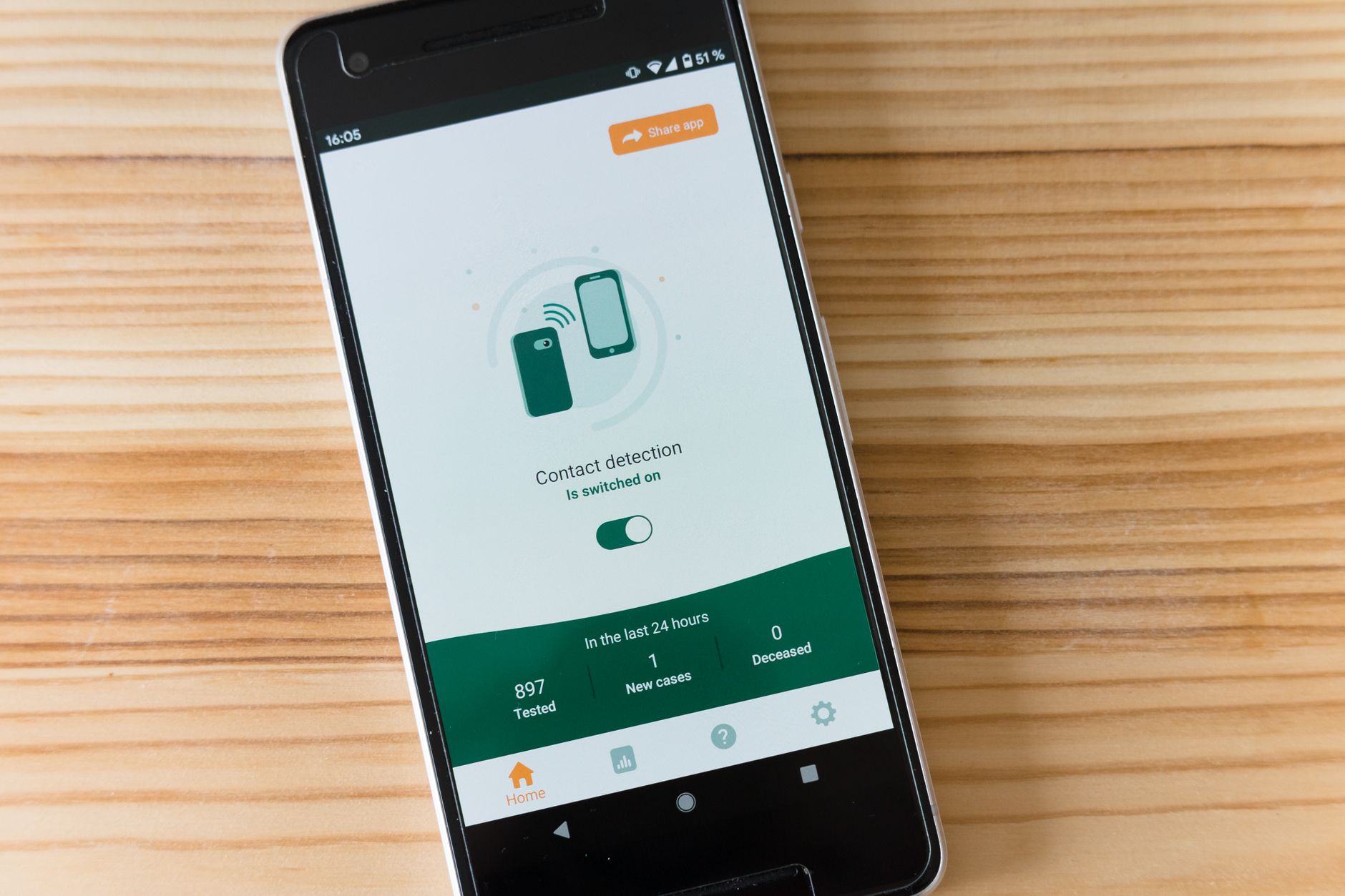
COP participants often rely on phones for last-minute room changes, security guidance, and transport updates. If you’re shipping an event app or a notifications experience, align with WCAG 2.2 patterns and mobile-specific considerations like target size and gesture alternatives. A helpful reference is this WCAG 2.2 mobile application checklist, which translates requirements into practical checks teams can build into QA.
Hybrid participation expands reach, but only when accessibility is built into streaming and interaction tools. COP31 content should be accessible in both real-time and on-demand formats.

For COP31, trust and legitimacy are core. Publishing an accessibility statement helps set expectations, documents known issues, and provides contact routes for support and feedback. It also signals that inclusion is part of governance, not an afterthought. If you’re unsure whether people can even locate these pages, see Your Accessibility Statement and Privacy Policy Are Legal Requirements — Is Anyone Finding Them? for practical ways to improve findability and user confidence.
Accessibility governance intersects with other compliance areas too. Consent banners, analytics, and personalization tools can introduce barriers if not implemented carefully—especially when overlays or pop-ups trap focus or obscure content. For risk context, The Real Cost of Getting Cookie Consent Wrong: Fines, Lawsuits, and Lost Data highlights how compliance failures can cascade across legal exposure and user trust.
COP31’s digital ecosystem should also consider broader inclusion: people with limited connectivity, older devices, different languages, and constrained payment options for fees or donations related to events. Accessible design often overlaps with inclusive product decisions—like providing alternatives to a single payment method. For a deeper look at how this affects participation, read Why Payment Choice Matters for Digital Inclusion.
And because COP31 involves public-sector participation and policy outcomes, the capacity to deliver accessible digital services matters. Building an inclusive digital team culture can be as important as any single fix; this is explored in Grow a Diverse and Inclusive Digital Function Across Government.
Start with an accessibility audit of all public-facing properties: the main COP31 site, registration portal, event app, ticketing/payment flows, video library, and document repository. Automated testing catches many common issues quickly, but it should be complemented by manual checks (keyboard testing, screen reader spot checks, and color contrast review).
Fix blockers first: registration, session discovery, livestream access, and critical updates. A small number of failures in these pathways can exclude large audiences.
Accessibility can regress with last-minute changes—new pages, embedded tools, sponsor content, or emergency alerts. Using a platform like Corpowid (corpowid.ai) can help teams run automated accessibility audits and monitoring across COP31 web properties, making it easier to catch issues quickly as content changes.
Include contact options that work for different needs (email, phone/relay where applicable), set response targets, and keep the statement updated as fixes ship. Corpowid (corpowid.ai) can also support teams with accessibility statement tools, which helps keep documentation consistent and easier to maintain.
COP31 will be judged by commitments, follow-through, and public legitimacy. Digital accessibility is part of the infrastructure that makes participation real—ensuring that climate information, debate, and decision-making are available to everyone, including people with disabilities. Aligning with WCAG, practicing inclusive design, and monitoring accessibility throughout the event lifecycle are practical steps that strengthen both compliance and trust.
In a world where climate participation is increasingly digital, making COP31 accessible isn’t a side project. It’s a foundation.
AI agents are starting to browse, evaluate, and act on websites like human users. This article explains why checkout accessibility matters for AI agents, where common barriers appear, and how digital teams can prepare more resilient, compliant user journeys.
Corpowid has been recognized by Gartner, a leading global research and advisory firm, for our innovation and performance in digital accessibility. These badges reflect our commitment to creating inclusive, AI-powered web experiences.









 TR
TR