Use Corpowid’s Automated AI Schema Markup to quickly optimize your webpages and generate rich snippets for better search visibility. Create advanced, search-engine-ready schema files in minutes, customize them easily with an intuitive editor, and integrate them seamlessly—no coding or technical skills needed.

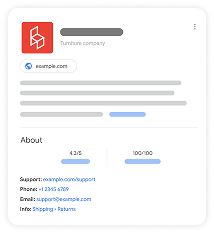


Schema Markup (structured data) is code that helps search engines like Google understand your content and display rich results—such as star ratings, prices, or stock status. Based on a target search term and URL, it generates Google-recognized entities and optimized schema files to give your webpage the best chance of being clearly understood and ranked.
Schema markup plays a key role in SEO by helping search engines interpret your content more effectively. This improved understanding can increase the chances of your content appearing for more accurate and relevant search queries.


We start by scanning your selected webpage and understanding the structure, content, and context.
Our system creates tailored, Google-recognized schema markup based on your page’s content and target search intent.
With one-click implementation, you can insert the schema into your site effortlessly — no technical setup or CMS login required.
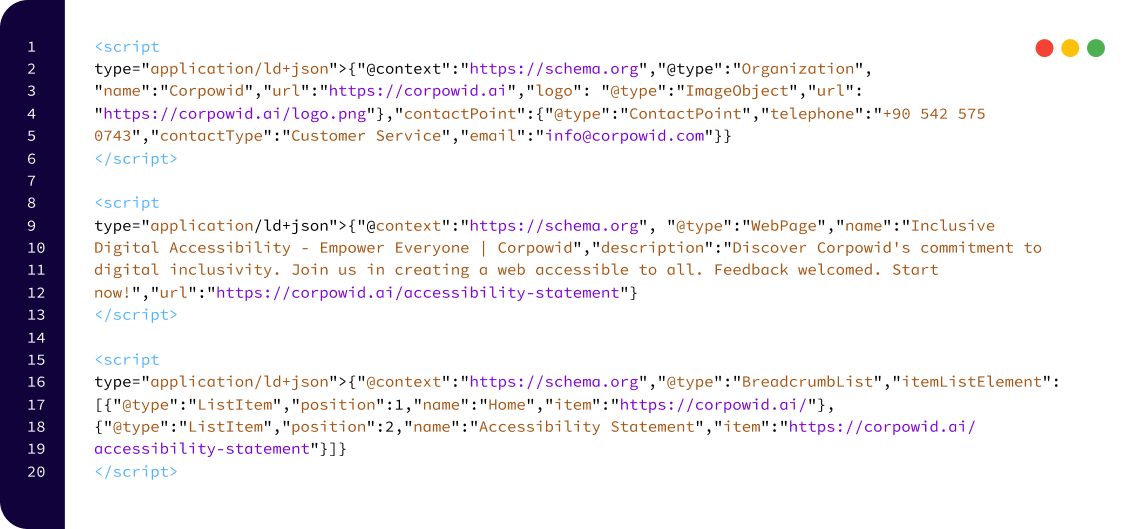
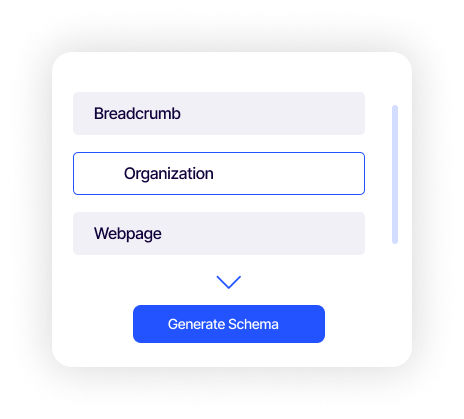
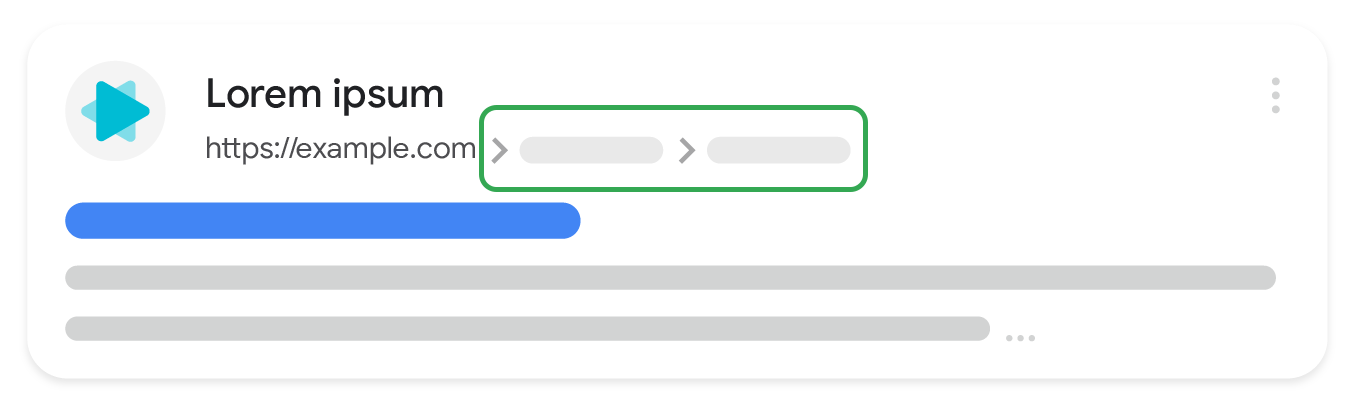
A breadcrumb trail shows where a page sits within a website’s hierarchy, helping visitors understand the site’s structure and navigate it more easily. Starting from the last breadcrumb, users can move upward through the hierarchy step by step until they reach the top level.
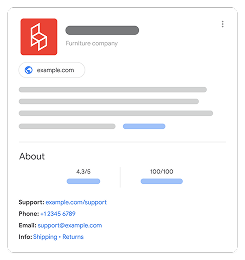
includes key details about your business—such as your logo, official name, address, contact information, and company identifiers. Search engines can use this data to display rich results, like knowledge panels and attribution elements, improving your brand’s visibility and credibility online.
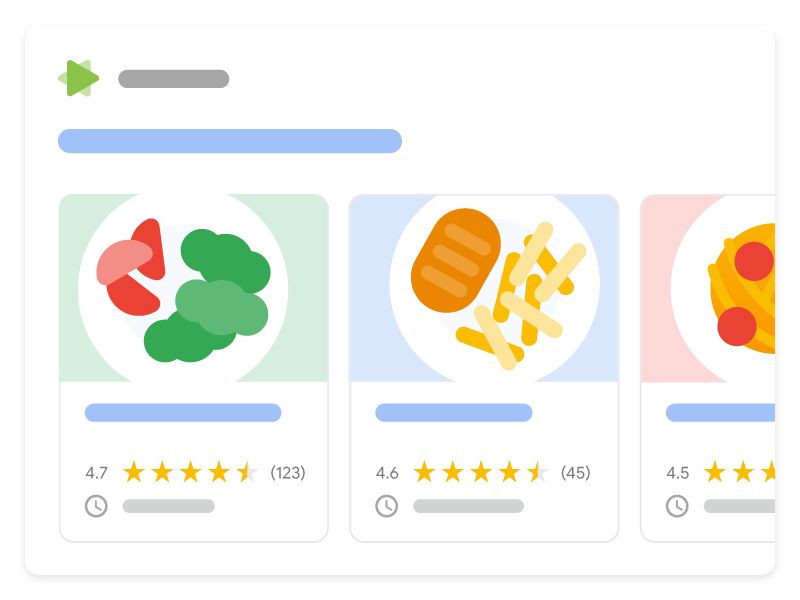
Rich results that present content from a single website in a sequential list or gallery format. This feature works in combination with specific content types, such as Recipes, Course lists, Restaurants, or Movies.
| Free $0 /month | Growth $39 /month | Enterprise $99 /month | Custom Contact us | |
|---|---|---|---|---|
| End-user accessibility widget |  |
|
|
|
| Page-based scan & live score | |
|
|
|
| Continuous full-site monitoring |  |
|
|
|
| Alt text manager | |
|
|
|
| Cookie manager | |
|
|
|
| Technical SEO audit | |
|
|
|
| Chrome accessibility toolkit | |
|
|
|
| Figma accessibility plugin | |
|
|
|
| Team Management | |
|
|
|
| Usage Analytics | |
|
|
|
| Mobile app accessibility IOS/Android | |
|
|
|
| AI Fixer | |
|
|
|
| AI Alt Text Generator | |
|
|
|
| Schema Markup Manager | |
|
|
|
| Meta Tag Manager | |
|
|
|
| Document Accessibility Remediation | |
|
|
|
| AI Video Subtitle and Caption Manager | |
|
|
|
| Tailored accessibility strategy | |
|
|
|
| Dedicated expert consultation | |
|
|
|
| Email support | |
|
|
|
| Domain | Single Domain | Single Domain | Single Domain | Unlimited domains · SLA |
| Tier | Up to 300K Page Views | Up to 500k Page Views | Up to 1M Page Views | Unlimited |
| Get Started | Get Started | Get Started | Contact Us |
Frequently Asked Questions (FAQ) – Corpowid AI Schema Manager
Schema markup (structured data) is a special type of code that helps search engines understand your website content better. With accurate schema markup, your pages can qualify for rich results such as FAQ panels, product details, breadcrumbs, and more.
Schema markup does not directly change your ranking, but it significantly improves your visibility on Google. Rich results make your search listings stand out and can increase click-through rates, trust, and overall SEO performance.
Yes. Corpowid's AI Schema Manager lets you create, edit, and apply schema markup with zero coding. Just select the schema type and apply it in one click.
Corpowid scans your page, analyzes its structure, and automatically generates relevant schema markup such as Article, Organization, FAQ, or Breadcrumbs. You can then inject it instantly — no CMS access required.
Absolutely. Corpowid supports many schema types designed to help your pages appear as rich results, including FAQ, Article, Organization, Breadcrumb, WebPage, Product, Carousel, and more.
Yes. You can edit all fields through Corpowid's visual schema editor — modify values, add new properties, or remove unnecessary fields with full flexibility.
No. Our schema is injected efficiently and does not add heavy scripts or slow-loading code, so your website performance remains unaffected.
Yes. Corpowid continuously monitors your website and updates schema markup as new content is added, keeping your structured data fresh and accurate.
Not directly. Schema markup improves how Google understands your content, which helps your pages qualify for rich results. Better visibility can lead to higher CTR, indirectly supporting SEO growth.
Yes. Structured data provides clean, organized information that voice assistants and AI search engines use to deliver precise, conversational answers.
Corpowid includes built-in schema validation to ensure your structured data meets Google's standards. It automatically checks for errors, missing properties, and formatting issues — then fixes them before the schema is injected. This keeps your pages eligible for rich results and helps you avoid Google Search Console warnings.
Corpowid has been recognized by Gartner, a leading global research and advisory firm, for our innovation and performance in digital accessibility. These badges reflect our commitment to creating inclusive, AI-powered web experiences.









 TR
TR