Germany’s accessibility requirements can feel like a maze: BITV, EN 301 549, WCAG, BFSG—each acronym points to a different layer of obligations and technical expectations. The good news is that once you map these pieces to the types of services you provide (public sector vs. private sector, website vs. app vs. e-commerce), the picture becomes much clearer.
This article decodes Germany’s digital accessibility standards and explains how to turn them into concrete design, development, and content actions—without losing sight of inclusive design and real user needs.
Think of Germany’s approach as a practical stack with four main elements:
In practice, many German organizations aim for WCAG 2.1 AA or WCAG 2.2 AA as the technical target, then validate it through the lens of EN 301 549 and the relevant law (BITV or BFSG).
BITV 2.0 applies primarily to public sector bodies and certain institutions closely linked to public administration. If you build or maintain a government website, a municipal service portal, a public university site, or a public-facing mobile app, BITV is likely the central rulebook.
Key expectations typically include:
Even when your product is “mostly compliant,” BITV pushes you to operationalize accessibility: publish status, handle feedback, and steadily improve instead of treating accessibility as a one-time project.
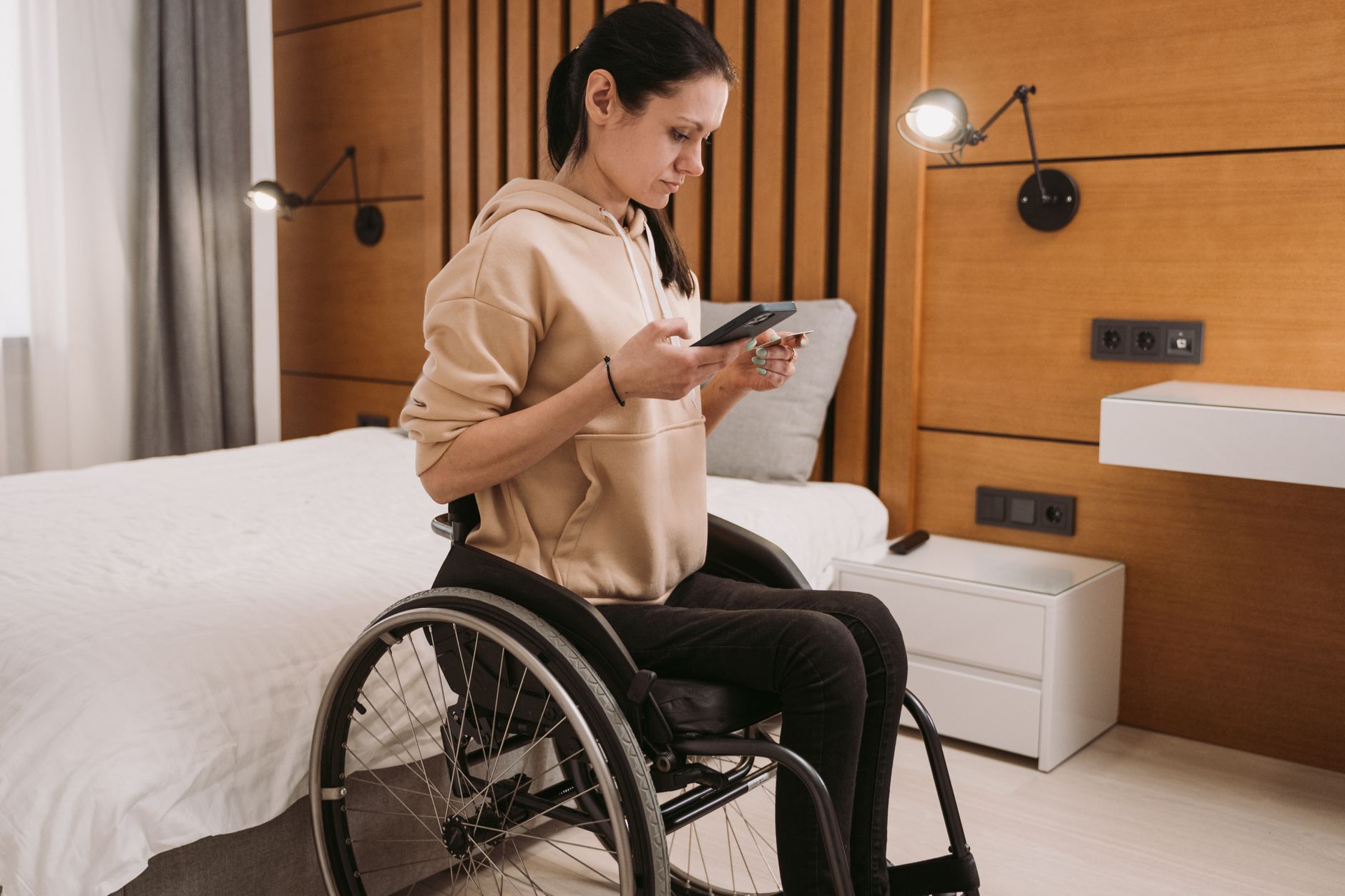
BFSG is the big shift many private-sector digital teams are preparing for. It brings accessibility requirements to a range of products and services offered to consumers—commonly understood to include many digital touchpoints such as:
Exact applicability depends on what you offer and how your organization is structured (including possible exemptions for certain microenterprises in some contexts). If you’re unsure, treat BFSG readiness as risk management: if customers must use your digital interface to access the service, accessibility is likely part of the compliance conversation.
For brands that run campaign-heavy sites and seasonal experiences—think ticketing, sports, streaming, and interactive fan content—accessibility also protects revenue and reputation. The same inclusive patterns that help with BFSG readiness also support event-scale traffic and diverse audiences, as discussed in building accessible digital fan experiences and accessible digital experiences for every fan.
EN 301 549 is often where legal requirements become testable technical criteria—especially in public sector procurement and vendor assessments. For web content, it references WCAG criteria (commonly WCAG 2.1 AA, with updates as standards evolve). It also extends beyond web pages to cover areas such as:
If your organization sells to public bodies in Germany or the EU, EN 301 549 is often the language used in RFPs, contracts, and acceptance testing.
WCAG is not just a checklist—it’s a way of reducing barriers for people with different disabilities (vision, hearing, mobility, cognition, speech) and different ways of accessing content (screen readers, keyboard-only navigation, voice control, magnifiers).
In Germany, aiming for WCAG 2.2 Level AA (or at minimum WCAG 2.1 AA depending on your context) is a practical, future-facing target because it aligns with current best practices and regulatory direction across Europe.
Here are high-impact WCAG areas that commonly cause failures in audits:
Cognitive accessibility is often underestimated, even though it affects a broad range of users. If you’re refining German-language customer flows, pair WCAG work with plain-language and predictable UI patterns; see a plain-language guide to cognitive accessibility (COGA) for practical ideas.

German public-sector expectations (and emerging private-sector norms) often include publishing an accessibility statement describing:
Done well, this builds trust. Done poorly, it can create legal and reputational risk because it documents gaps without a plan. Tools like Corpowid (corpowid.ai) can help teams generate and maintain accessibility statements based on ongoing audit findings, rather than relying on a static one-time document.
Germany’s standards focus on measurable requirements, but accessibility outcomes improve fastest when teams adopt inclusive design as a daily practice. That means designing for variability: different devices, different input methods, different reading levels, and different sensory needs.
Inclusive design also aligns with DEI efforts and community awareness. For example, when publishing campaign pages and internal communications, accessibility supports belonging across many identities and disability experiences; the same mindset is reflected in digital accessibility and inclusive design for Pride Month & June observances.
Start by listing your digital assets (marketing site, account area, checkout, mobile apps, PDFs, customer support flows). Then choose the standard target that matches your obligations and risk profile (often WCAG 2.2 AA, mapped to EN 301 549 where relevant).
Automated scans catch many issues quickly (missing alt text patterns, contrast flags, form labeling problems), but they can’t judge everything (meaningful alt text, correct heading intent, usability with assistive technology). A blended approach is best.
Corpowid (corpowid.ai) supports automated accessibility audits and monitoring, helping teams spot regressions after releases and prioritize the fixes that most affect real users.
Most accessibility problems repeat across components: navigation, modals, buttons, cards, form fields. Updating your design system and shared components usually delivers the biggest ROI and reduces future defects.
Accessibility is not “done” after a remediation sprint. New content, A/B tests, and third-party scripts can reintroduce issues. Consider a lifecycle approach—track issues, assign owners, verify fixes, and re-test continuously. For one example of an operational model, see the closed-loop accessibility lifecycle.
Before you declare compliance, test key tasks end-to-end: sign-up, login, search/filter, purchase, contact support. Include keyboard-only testing and at least one screen reader flow (NVDA or JAWS on Windows, VoiceOver on macOS/iOS, TalkBack on Android).
If you treat Germany’s standards as an ongoing quality system rather than a one-time checkbox, you’ll build digital experiences that work better for everyone—customers, citizens, and your own teams.
The ADA Title II deadline extension may look like extra time, but for many public entities it mainly shifts pressure rather than removing it. Here’s why waiting can increase accessibility risk and what teams should prioritize now.
A year into the European Accessibility Act, businesses are moving from theory to operational readiness. Here’s what enforcement has actually looked like, where teams are getting caught out, and how to build a stronger accessibility process.
Corpowid has been recognized by Gartner, a leading global research and advisory firm, for our innovation and performance in digital accessibility. These badges reflect our commitment to creating inclusive, AI-powered web experiences.









 TR
TR


