People are spending more on moments than merchandise: concerts, pop-ups, immersive museum nights, fitness challenges, escape rooms, food tours, creator meetups, and travel micro-adventures. This shift—often called the experience economy—is fueled by social sharing, subscription culture, and tech that makes discovering and booking experiences frictionless.
But there’s an inconvenient truth behind the boom: an experience isn’t really “for everyone” if the digital pathway into it isn’t usable by everyone. Today’s experience economy runs through websites, ticketing flows, mobile apps, QR codes, kiosks, livestreams, and digital waivers. If those touchpoints fail basic accessibility, whole segments of customers are excluded before the experience even starts.
Experiences are easy to market because they’re emotional and shareable. But operationally, they’re also increasingly digital-first. A typical journey might look like:
If any step is inaccessible—uncaptioned videos, unlabeled form fields, keyboard traps, poor contrast, confusing error messages—conversion drops and trust erodes. This is even more pronounced as shopping and discovery shift toward AI-driven experiences; if you’re exploring how that impacts customer journeys, see How AI Search Is Changing the Way We Shop (and Why Accessibility Can’t Be an Afterthought).
The experience economy thrives on novelty: interactive exhibits, AR scavenger hunts, mobile ordering at venues, digital badges, and livestream add-ons. Yet novelty often introduces accessibility gaps. WCAG (Web Content Accessibility Guidelines) provides a proven baseline so these experiences work for people with disabilities and for everyone dealing with situational limitations (bright sunlight, noisy environments, one-handed use, aging vision, slow connections).
In an economy built on “shareable” moments, creators and brands are leaning into livestreaming, too. If you run virtual events or shoppable streams, accessibility isn’t optional—captions, chat accessibility, and clear controls can decide whether someone can participate. (Related: Shopping Goes Live: Why Live-Stream Commerce Is Exploding in 2026 (and How to Keep It Accessible).)
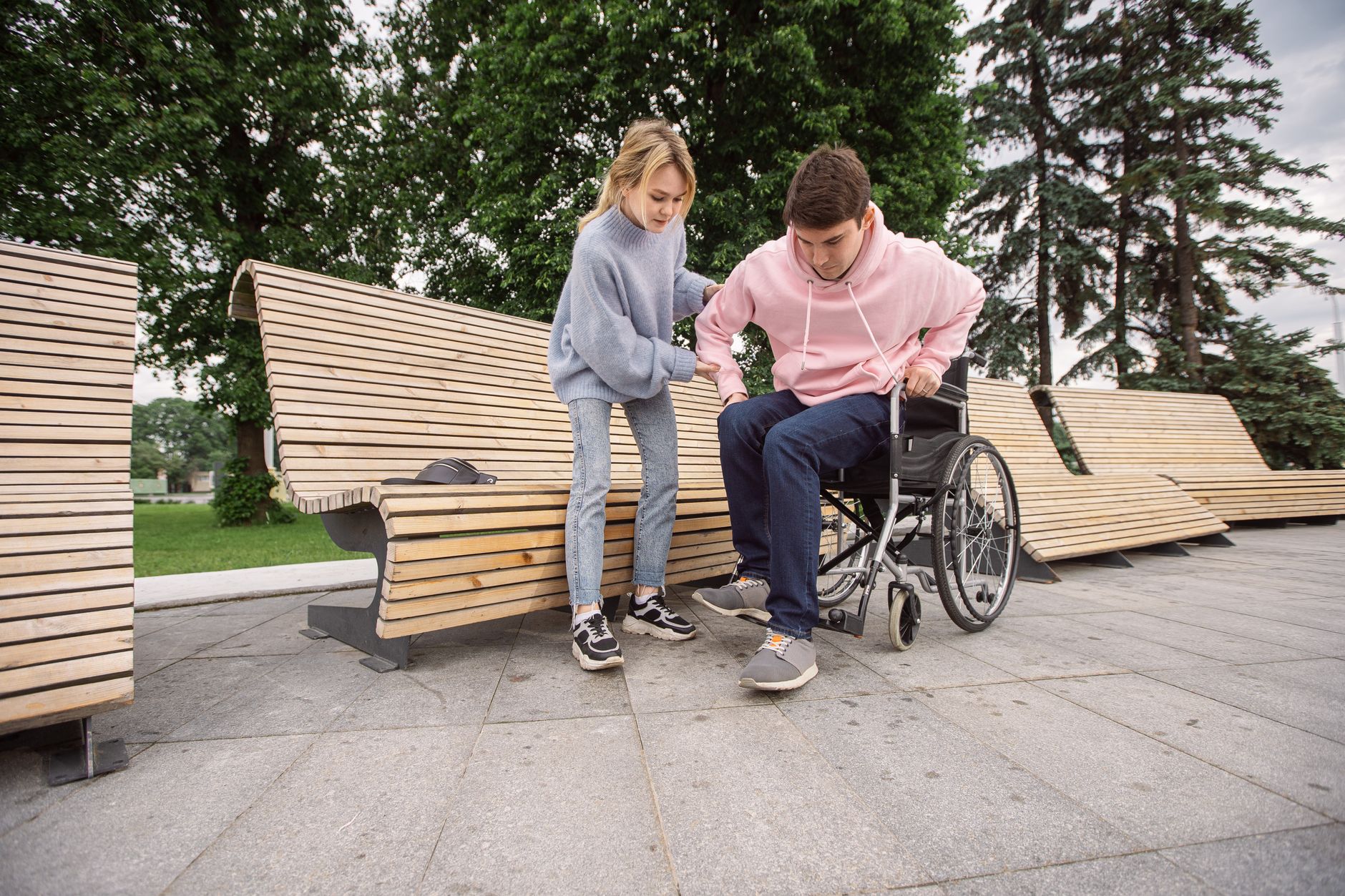
Inclusive design is not a “nice-to-have.” It’s a growth strategy for experience brands because it reduces abandonment, improves SEO, strengthens brand reputation, and supports compliance obligations. Here are practical ways to build accessibility into the experience economy.
This also aligns with how search is changing: AI summaries and rich results pull from structured, readable content. You may also find it useful to compare how user behavior shifts when “search” becomes conversational in Googling Is Out, Asking AI Is In: How AI Search Is Changing the Way We Shop.
For organizations scaling quickly, accessibility can slip as pages, plugins, and marketing tags pile up. Tools like Corpowid (corpowid.ai) help teams catch common WCAG issues with automated audits and ongoing monitoring, so booking and checkout changes don’t quietly introduce new barriers.
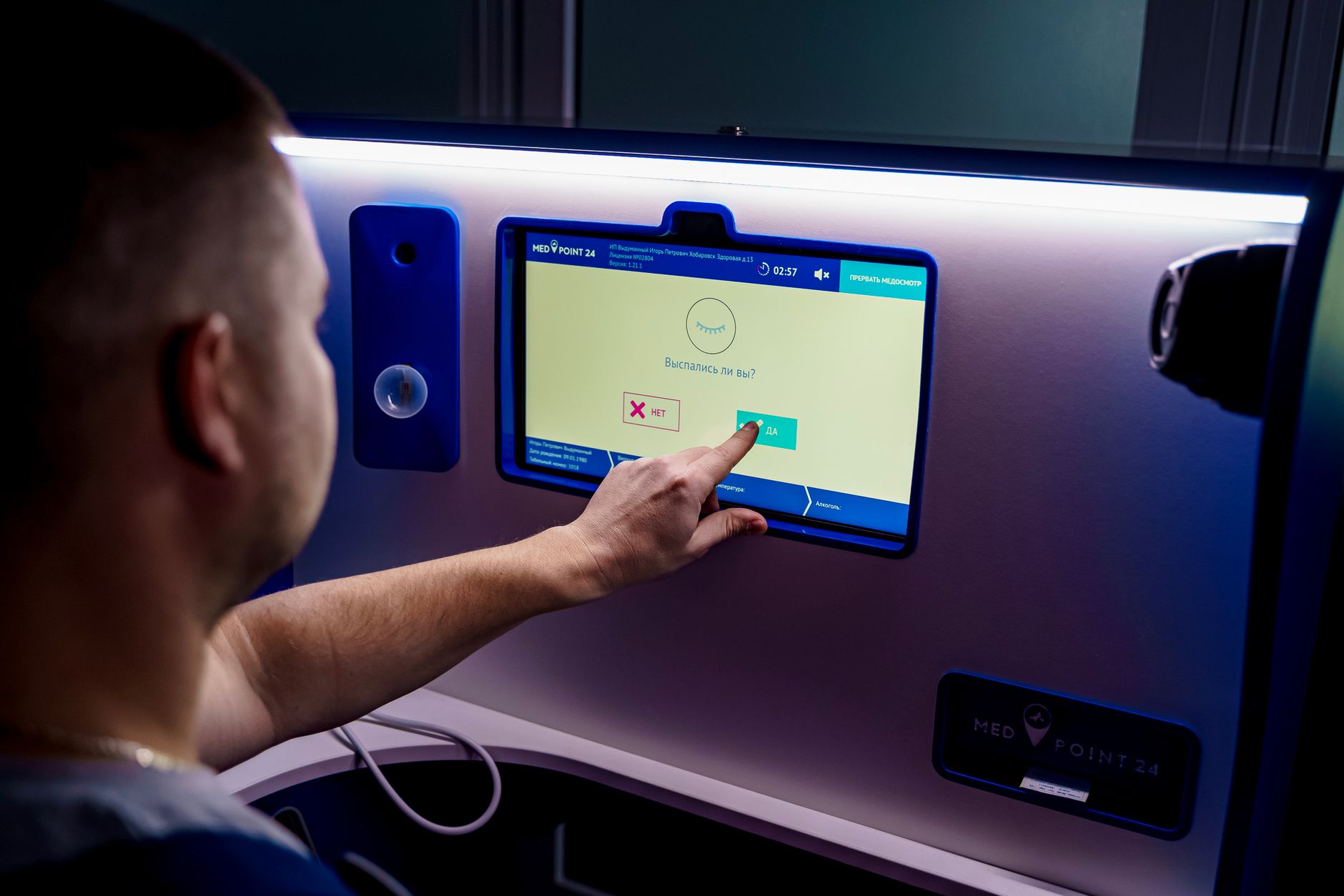
Many experiences now include digital touchpoints at the venue: kiosks, QR menus, NFC check-in, interactive displays, or app-only instructions. Make sure there’s always a usable path for different access needs.
Accessibility is also a legal and reputational issue. Depending on where you operate, regulations and standards may apply (such as ADA-related expectations in the U.S., or other national accessibility laws elsewhere). Even when the law isn’t explicit for a specific business type, WCAG is widely used as the benchmark for what “accessible” means on the web.
A practical approach is to combine human-centered design with consistent governance: accessibility checks in design reviews, QA test cases for keyboard and screen readers, and clear ownership for fixes. Corpowid (corpowid.ai) can support this by continuously monitoring for regressions and helping teams maintain an accessibility statement that reflects real progress rather than a one-time snapshot.
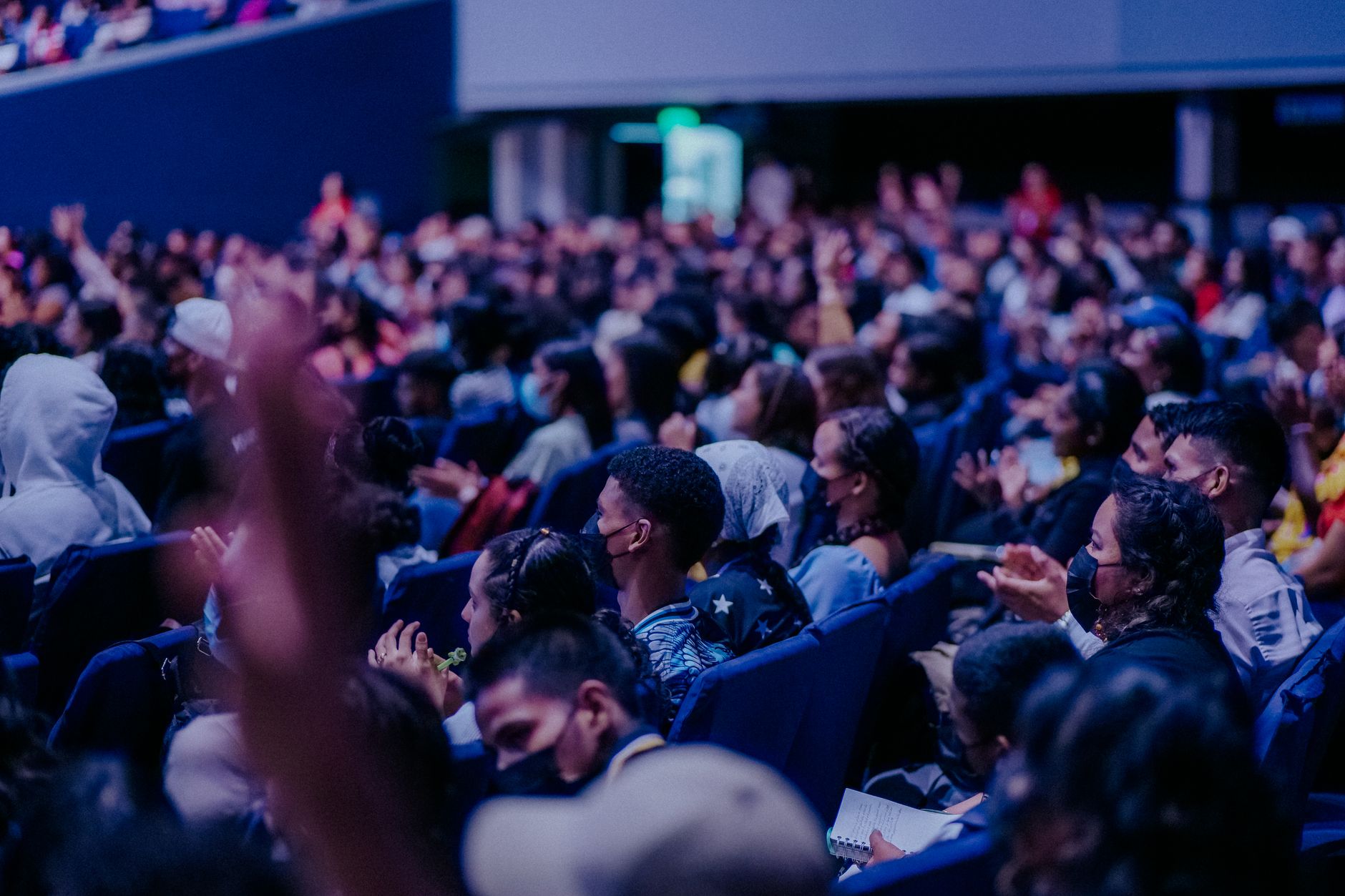
The strongest experience brands don’t just sell access—they reduce friction, increase confidence, and make people feel considered. Accessibility delivers that at scale. When users can read the details, understand pricing, choose a time, complete payment, and show up with clear instructions, they arrive excited instead of stressed.
Experience seekers are also increasingly niche-driven—people want events tailored to their interests and needs. Accessibility is part of that personalization: creating pathways that work for different bodies, senses, and contexts. For more on how specificity wins, explore Niche Is the New Big: Why Hyper-Specific Accessible Content Wins the Internet in 2026.
The experience economy rewards brands that remove friction and invite more people in. When accessibility is built into discovery, booking, and participation, “experiences over things” becomes more than a trend—it becomes a promise you can keep.
Choosing between an accessible HTML report and a tagged PDF affects usability, accessibility, maintenance, and compliance readiness. Here’s how to decide which format to publish and when a dual-format approach may be the better option.
Corpowid has been recognized by Gartner, a leading global research and advisory firm, for our innovation and performance in digital accessibility. These badges reflect our commitment to creating inclusive, AI-powered web experiences.









 TR
TR