Live-stream commerce—where customers watch a real-time video, ask questions in chat, and buy instantly—has moved from novelty to a mainstream revenue channel in 2026. Brands love it because it combines entertainment, urgency, and community. Shoppers love it because it feels human again: you can see a product used, compare options, and get answers on the spot.
But there’s a catch. Live shopping is a fast, dynamic, video-first experience. Without intentional inclusive design, it can easily become inaccessible for people who are Deaf or hard of hearing, blind or low vision, have mobility limitations, cognitive disabilities, or rely on assistive technology. If your live commerce funnel isn’t usable by everyone, you’re not just leaving money on the table—you may also be introducing accessibility compliance risk.
Below is why live-stream commerce is exploding in 2026, and how to build an experience that aligns with WCAG expectations across video, chat, product discovery, and checkout.
Live streams compress the buying journey: discovery, education, and conversion happen in minutes. Viewers ask, “Does it run small?” “Can you show it in natural light?” and hosts respond instantly. This is the same broader shift driving AI-assisted product discovery, where shoppers expect rapid, personalized answers—covered in How AI Search Is Changing the Way We Shop (and Why Accessibility Can’t Be an Afterthought). Live commerce is the human version of that expectation.
In 2026, brands win by serving specific audiences well. Live events amplify niche communities—skincare for sensitive skin, adaptive clothing try-ons, hobby gear demos—because the format builds trust quickly. The lesson mirrors Niche Is the New Big: Why Hyper-Specific Accessible Content Wins the Internet in 2026: specificity plus accessibility creates loyalty.
With consumers increasingly careful about spending, live demos reduce uncertainty: people see scale, texture, and real-world performance. That aligns with the behavior shift described in The Resourceful Consumer: Smart Spending Habits for an Uncertain Economy (Without Leaving Accessibility Behind). Accessibility matters here too—if customers can’t access product information during the live event, they can’t make confident decisions.
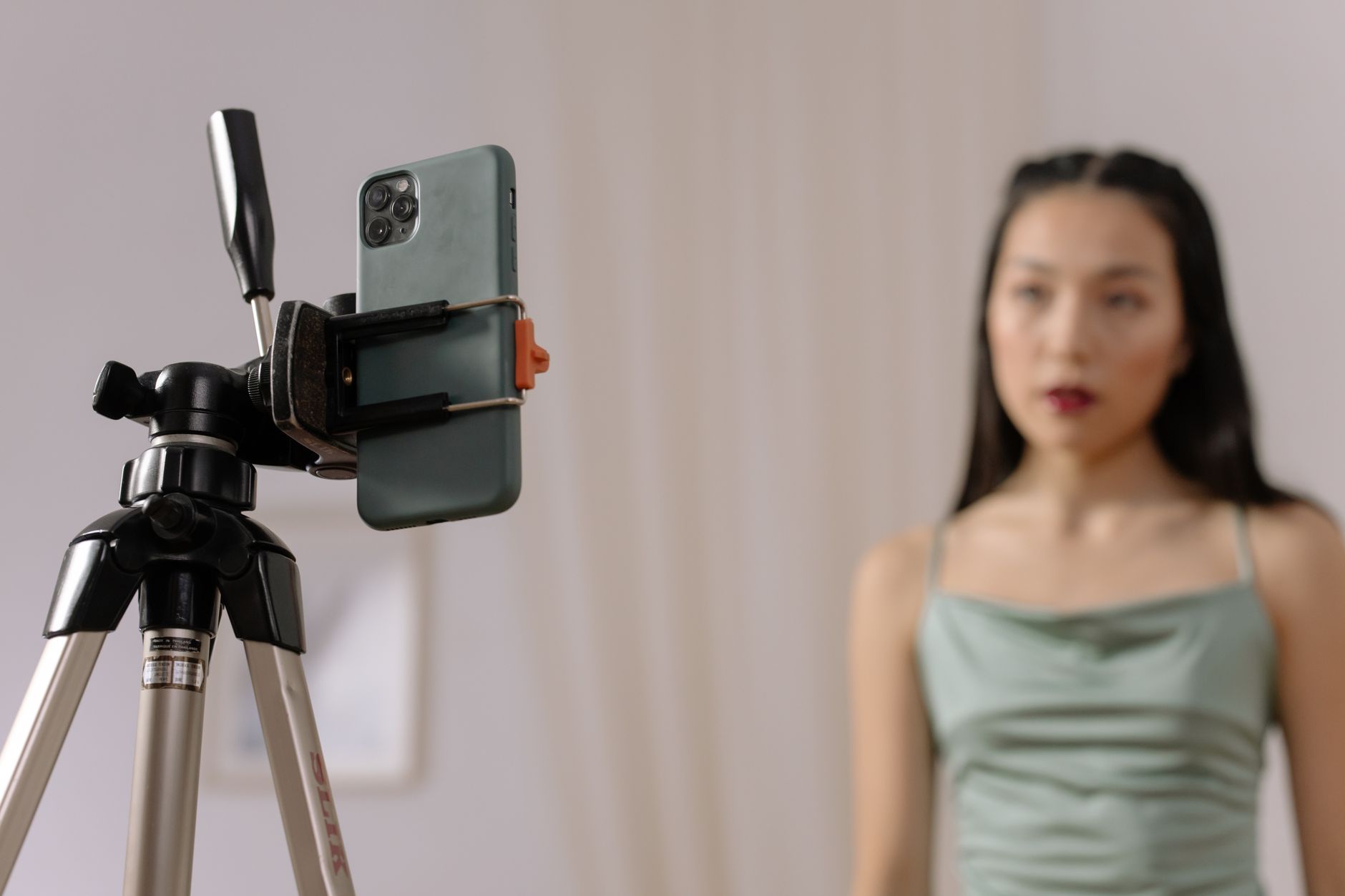
Traditional e-commerce accessibility focuses on product pages and checkout flows. Live shopping adds real-time layers that WCAG still applies to, including time-based media, motion, rapid updates, and interactive components.
WCAG’s time-based media guidance is a cornerstone here. Practical steps:
Also consider your audience beyond commerce. Health, wellness, and assistive products are heavily featured in live streams, tying into the broader accessibility considerations discussed in Your Smartwatch Knows You’re Sick Before You Do: The Rise of Wearable Health Tech (and Why Accessibility Matters).
Live chat can be the most exclusionary element if it updates too quickly or lacks semantics. Aim for:

The biggest revenue moment in live commerce is often a fast transition: tap product card → choose variant → pay. If any step breaks accessibility, users drop.
Live interfaces often include animated reactions, confetti, flashing “drop” banners, and auto-scrolling carousels. Inclusive design means offering control:
In practice, accessible live commerce means more than passing a one-time checklist. It means continuous quality: each new product template, overlay panel, and promotional widget can introduce issues.
A strong baseline includes:
This is where an accessibility platform can help operationalize the work. Corpowid (corpowid.ai), for example, supports automated accessibility audits and ongoing monitoring to catch common WCAG issues that creep into fast-moving commerce experiences, and it can help you maintain an up-to-date accessibility statement as your live shopping features evolve.
Live-stream commerce is exploding because it feels immediate, social, and trustworthy. Accessibility is what makes that trust scalable. Captions don’t just help Deaf users—they help everyone in noisy environments. Clear product descriptions don’t just support screen reader users—they reduce returns. Keyboard-friendly checkout doesn’t just support people with motor disabilities—it improves usability for power users and reduces friction across devices.
If live commerce is your 2026 growth engine, build it so more people can participate—without barriers, without guesswork, and with WCAG-aligned design. Tools like Corpowid (corpowid.ai) can help teams keep pace with rapid releases while staying focused on inclusive, compliant customer experiences.
The ADA Title II deadline extension may look like extra time, but for many public entities it mainly shifts pressure rather than removing it. Here’s why waiting can increase accessibility risk and what teams should prioritize now.
Corpowid has been recognized by Gartner, a leading global research and advisory firm, for our innovation and performance in digital accessibility. These badges reflect our commitment to creating inclusive, AI-powered web experiences.









 TR
TR