Energy and utilities companies operate some of the most “must-work” digital experiences in the economy: outage maps during storms, online billing before due dates, new service requests during moves, and emergency notifications when safety is at stake. When these experiences aren’t accessible, the impact is immediate—customers can’t pay, can’t report hazards, and can’t understand critical updates.
Digital accessibility is the practice of making websites, apps, PDFs, and online tools usable for people with disabilities (including visual, hearing, mobility, cognitive, and speech disabilities). For most organizations, the practical benchmark is the Web Content Accessibility Guidelines (WCAG), commonly targeted at Level AA.
Accessibility is a customer experience and operational resilience issue—not just a compliance checkbox. Utilities serve broad, diverse populations, including older adults, people using assistive technologies, and customers in low-bandwidth or mobile-only situations.
Energy and utilities organizations increasingly face expectations from regulators, municipalities, and enterprise customers. While laws vary by region, WCAG alignment is commonly used to demonstrate reasonable accessibility efforts and reduce legal risk—especially for public-facing services.
WCAG is broad, but some success criteria show up repeatedly in utility environments. Addressing these first often reduces the most severe barriers.
Utility bills and usage dashboards often contain dense data. Use proper table markup (headers, scopes) and ensure charts include text alternatives or summaries so the insights are not locked behind visuals.
Outage severity, payment status, and usage spikes are often communicated with color. WCAG requires sufficient contrast and that meaning isn’t conveyed by color alone. Add icons with text, patterns, labels, or annotations to ensure clarity.
Interactive maps, filters, and live status widgets are among the hardest components to make accessible—yet they’re central to the utility experience.
When evaluating these components, don’t limit testing to desktop. Many customers check outages on a phone under stress. Pair web testing with mobile guidance like Mobile Accessibility Testing: A Practical Guide for WCAG Compliance, and if you also maintain native apps, consult the WCAG Mobile App Checklist to align patterns across platforms.

Utilities publish high volumes of documents: tariff sheets, annual reports, service terms, planned outage notices, and customer letters. If these are posted as inaccessible PDFs, customers using screen readers or text-to-speech may be unable to understand costs, deadlines, or safety requirements.
Build document accessibility into procurement and publishing workflows. If your organization provides formal conformance documentation, ensure it’s credible and evidence-based—many teams find it helpful to avoid the issues described in 5 Mistakes That Make a VPAT Lose Credibility.
Accessibility is not just about passing tests; it’s about making essential tasks understandable under real-world conditions: low literacy, stress during emergencies, limited digital skills, or language barriers.

One-off remediation isn’t enough for utilities because content changes daily—rates update, service areas change, outages happen, and customer portals evolve. Sustainable accessibility requires governance.
Tools can make this sustainable. For example, Corpowid (corpowid.ai) supports automated accessibility audits and ongoing monitoring so teams can catch regressions early and prioritize fixes before customers are impacted.
An accessibility statement builds trust when it’s accurate, updated, and includes a clear contact method for help. During outages or billing disputes, customers need responsive alternatives (e.g., phone support that can complete tasks that are blocked online).
Organizations in other highly regulated sectors face similar expectations around inclusive digital service delivery; you may find useful parallels in Digital Accessibility for Legal Services & Law Firms: WCAG, Compliance, and Inclusive Client Experiences and region-specific compliance discussions such as 2025 “10 Genelge” Bankalar İçin Ne Anlama Geliyor? Dijital Erişilebilirlik ve WCAG Uyum Rehberi.
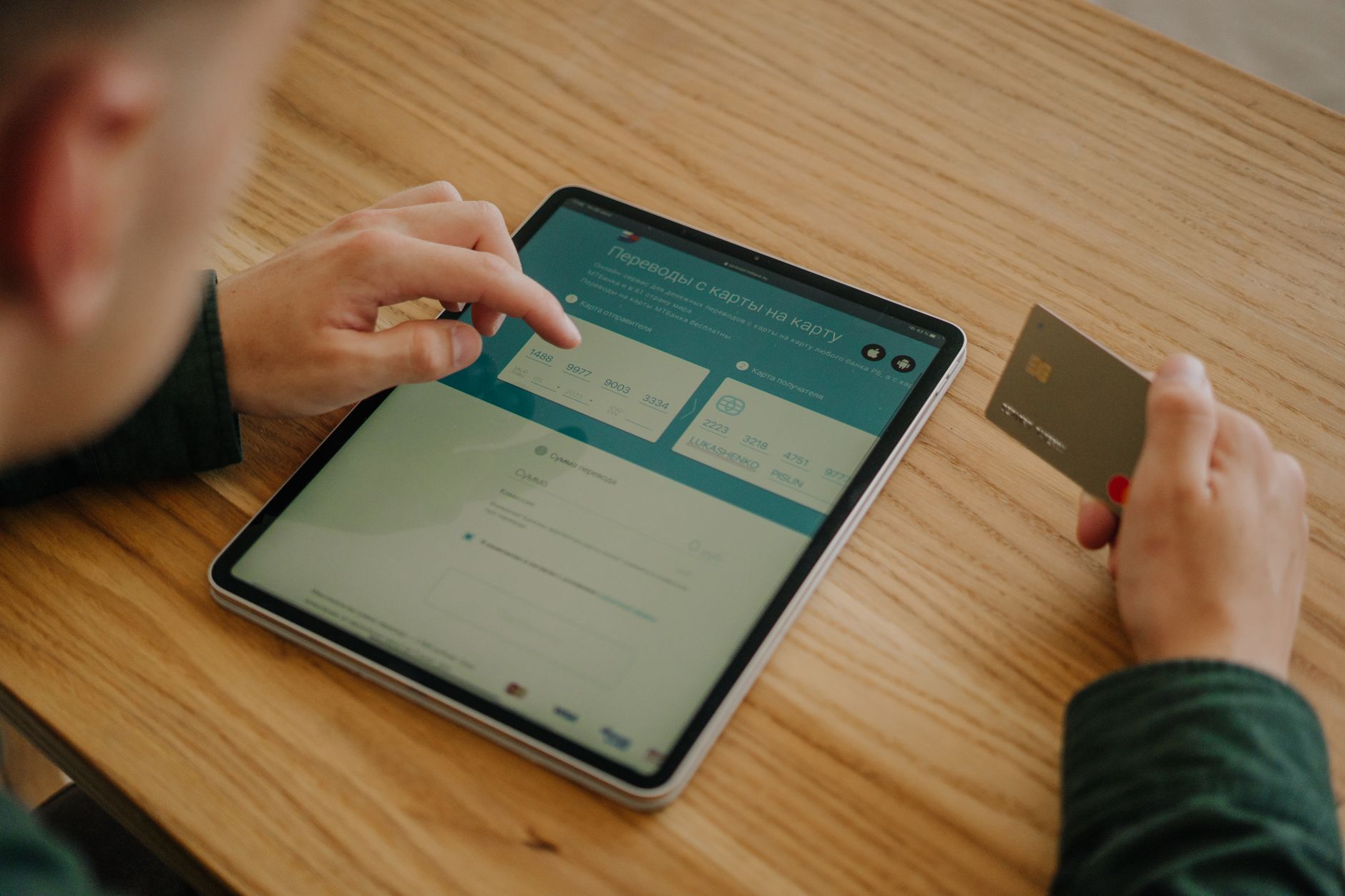
Digital accessibility for energy and utilities is fundamentally about reliable service: customers must be able to understand outages, manage accounts, and receive safety-critical information regardless of ability or device. By implementing WCAG-based design and testing, maintaining accessible documents, and operationalizing governance, utilities can reduce risk while improving customer satisfaction.
If you’re starting or scaling your program, a platform like Corpowid (corpowid.ai) can help you continuously audit and monitor your digital properties, making accessibility progress measurable and easier to maintain over time.
The ADA Title II deadline extension may look like extra time, but for many public entities it mainly shifts pressure rather than removing it. Here’s why waiting can increase accessibility risk and what teams should prioritize now.
A year into the European Accessibility Act, businesses are moving from theory to operational readiness. Here’s what enforcement has actually looked like, where teams are getting caught out, and how to build a stronger accessibility process.
Corpowid has been recognized by Gartner, a leading global research and advisory firm, for our innovation and performance in digital accessibility. These badges reflect our commitment to creating inclusive, AI-powered web experiences.









 TR
TR


