In 2026, “human-centered” isn’t a vibe—it’s a measurable standard employees can feel every day. People want workplaces that respect their time, health, privacy, and different ways of thinking and working. And increasingly, the difference between a supportive workplace and a frustrating one comes down to the digital experience: the intranet, HR portals, collaboration tools, training platforms, and customer-facing systems employees must use to do their jobs.
Digital accessibility sits at the center of this shift. When internal tools are built with inclusive design and aligned to WCAG (Web Content Accessibility Guidelines), employees spend less time fighting interfaces and more time contributing. Accessibility is no longer just a compliance checkbox—it’s what makes flexibility, autonomy, and belonging real.
Employees expect workplace tools to “just work”—across devices, network conditions, and assistive technologies. When a timesheet system breaks with keyboard navigation, a learning module can’t be paused, or a modal traps focus, it’s not a minor inconvenience. It’s a productivity tax that lands hardest on people with disabilities and neurodivergent employees.
Human-centered digital workplaces in 2026 prioritize:
These map directly to WCAG success criteria and to something employees care about more than policy language: finishing a task without getting stuck.
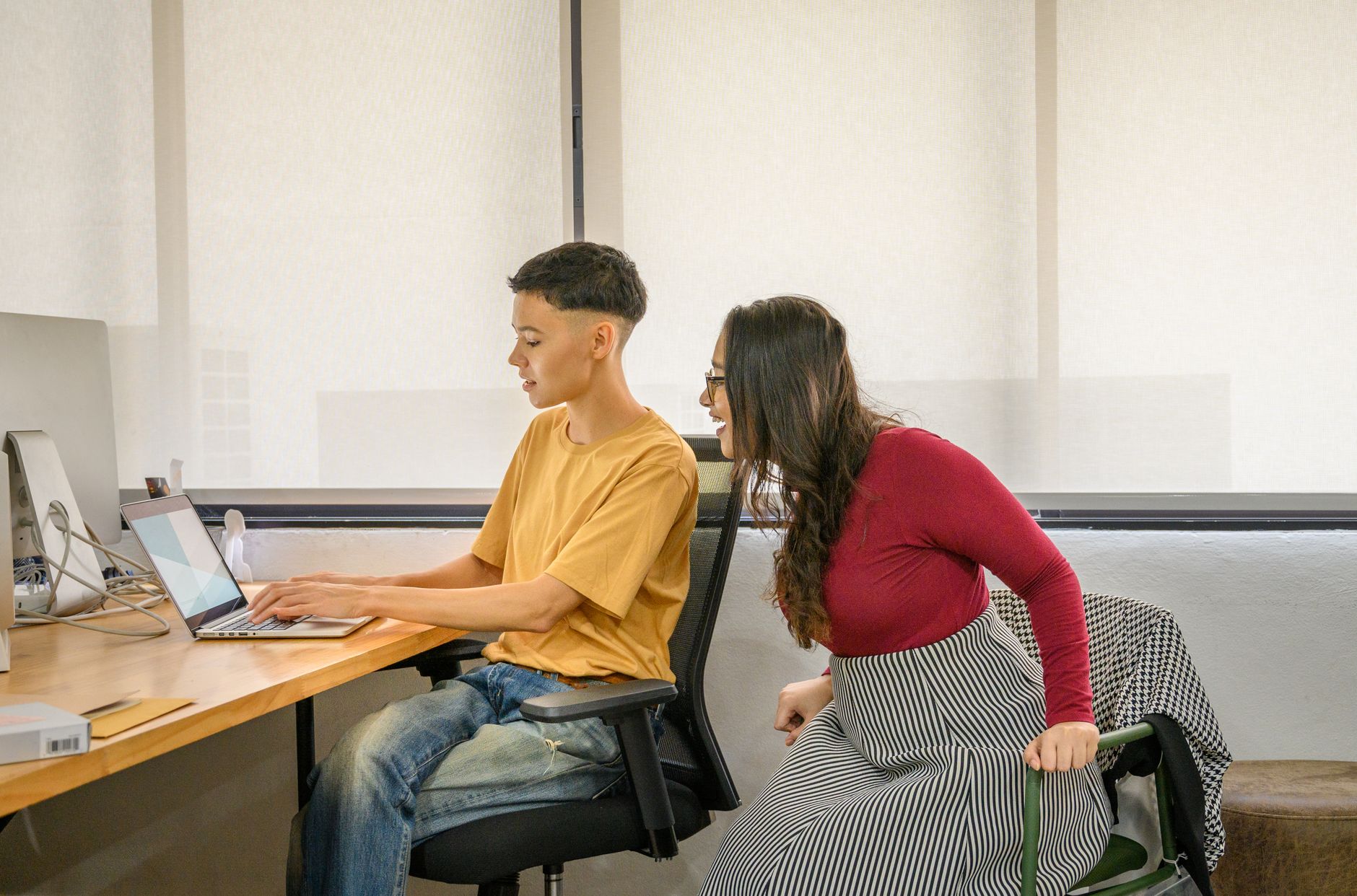
A recruiting coordinator can complete an offer letter workflow without touching a mouse. An analyst with low vision can enlarge text without the layout collapsing. A neurodivergent employee can reduce animation and avoid sudden content changes. Accessibility features become the default, not an accommodation after the fact.
By 2026, hybrid work is mature, but many organizations still confuse “flexible” with “remote.” Employees want choice—and they want the digital environment to respect that choice. Flexibility includes:
This is where accessibility intersects with employee experience trends beyond the office. As more daily tasks shift toward AI-driven interfaces, employees also expect workplace knowledge to be searchable and understandable through new patterns (voice, chat, summarization). That expectation mirrors consumer behavior described in how AI search is changing the way we shop—and it raises the bar for clarity, structure, and accessibility in internal content too.
Employees say they want psychological safety, but they often experience communication environments that exclude them: fast-talking video calls, unclear agendas, jargon-heavy documents, or “quick updates” delivered only via informal channels.
Human-centered workplaces treat accessibility as a communication practice:
If your organization produces live video—town halls, internal trainings, or product demos—the accessibility needs are nearly identical to public live-stream experiences. Many of the same principles apply as described in why live-stream commerce is exploding in 2026 (and how to keep it accessible): captions, clear audio, visual descriptions when needed, and accessible chat or Q&A experiences.

In 2026, employees don’t want to file tickets to make basic tools usable. They expect compatibility with assistive technologies like screen readers, screen magnifiers, speech recognition, switch devices, and browser accessibility features.
Practically, this means building and buying software that supports:
Organizations that treat accessibility as “polish” often find themselves reworking entire flows later—especially when a new tool rolls out company-wide.
Even strong teams ship regressions: a design tweak lowers contrast, a new component breaks focus order, or a content update removes headings. That’s why continuous auditing and monitoring matter. Platforms like Corpowid (corpowid.ai) can help teams spot WCAG issues across pages, track changes over time, and keep accessibility from slipping during fast releases.
Employees want AI that removes drudgery, not AI that adds risk. They want tools that summarize, draft, and triage—while staying transparent and controllable. But accessibility has to be part of AI rollouts:
Autonomous workflows are also entering accessibility operations themselves. If you’re exploring how AI can reduce repetitive accessibility tasks, the perspective in how autonomous AI will quietly take over your accessibility to-do list is a useful lens—especially for scaling audits and remediation support without overwhelming teams.

Employees in 2026 expect benefits that support health variability: chronic conditions, mental health, caregiving, and changing access needs. Digital accessibility intersects here too—especially as workplaces adopt wellness platforms, telehealth tools, and wearable-integrated programs. If the portal that manages accommodations, leave, or insurance is inaccessible, support exists on paper but not in practice.
This trend is closely tied to the mainstreaming of wearable data and early health signals. As discussed in the rise of wearable health tech (and why accessibility matters), the value of these tools depends on whether people can actually use the dashboards, notifications, and settings—at work and at home.
Employees are increasingly skeptical of broad statements like “we care about inclusion.” They want to see the mechanisms: standards, ownership, and measurable progress. In digital accessibility terms, that includes:
Tools can help operationalize this accountability. For example, Corpowid (corpowid.ai) supports automated audits and accessibility statement workflows so organizations can document what they’ve tested, what they’re improving, and how users can report barriers—without relying on scattered spreadsheets.
The biggest misconception about the human-centered workplace is that it’s built with perks. In reality, it’s built with systems: accessible digital tools, inclusive communication habits, and WCAG-aligned design that anticipates difference. When employees can navigate, read, understand, and participate without workarounds, they experience what they’ve been asking for all along: respect, autonomy, and the ability to do great work.
If you’re planning your 2026 workplace roadmap, treat accessibility as core infrastructure. Not because it’s trendy—but because it’s what people need to fully show up.
Small accessibility issues on product and checkout pages can create major friction for shoppers and compliance risk for businesses. Here are the e-commerce accessibility UX fixes that deserve attention first.
Choosing between an accessible HTML report and a tagged PDF affects usability, accessibility, maintenance, and compliance readiness. Here’s how to decide which format to publish and when a dual-format approach may be the better option.
Corpowid has been recognized by Gartner, a leading global research and advisory firm, for our innovation and performance in digital accessibility. These badges reflect our commitment to creating inclusive, AI-powered web experiences.









 TR
TR