Artificial intelligence (AI) is changing how teams build, test, and maintain digital products—and accessibility is one of the most promising areas. Used well, AI can help identify common WCAG issues faster, generate useful drafts (like alt text), and continuously monitor websites for regressions. Used poorly, it can also introduce new barriers, produce inaccurate “fixes,” or give teams a false sense of compliance.
This article explains where AI helps most in digital accessibility, where it falls short, and how to combine AI with inclusive design and WCAG-based processes to deliver experiences that work for people with disabilities.
Digital accessibility is about ensuring people can perceive, understand, navigate, and interact with websites and apps—regardless of disability, device, or assistive technology. WCAG (Web Content Accessibility Guidelines) provides the most widely adopted framework for making that happen through testable success criteria.
AI matters because accessibility work can be repetitive and wide-ranging: scanning large sites for missing form labels, detecting low color contrast across design variations, or monitoring new releases for keyboard traps. AI can reduce manual effort and help teams prioritize, but it should support—not replace—human judgment and user needs.
Modern accessibility scanners use rules, heuristics, and (in some cases) AI-assisted pattern detection to find common issues such as missing accessible names, incorrect ARIA usage, unlabeled buttons, and inadequate contrast. This accelerates the early stages of accessibility testing by surfacing issues at scale, especially on large sites with thousands of templates and components.
Automated testing won’t catch everything (like whether link text is meaningful in context), but it’s excellent for consistency and coverage. Platforms like Corpowid (corpowid.ai) help organizations run automated audits and ongoing monitoring so teams can spot recurring WCAG issues and regressions sooner.
Generating alt text is one of the most popular accessibility uses of AI. Computer vision can describe images quickly, which helps teams reduce the backlog of missing or incomplete alt attributes. The key is to treat AI output as a draft: alt text needs to reflect the image’s purpose and context, not just its contents.
For example, “Person holding a certificate” may be acceptable for a generic photo, but it’s not useful if the image is a chart, a button, or a key piece of instructional content. For a deeper look at this topic, see AI Alt Text Generator and Benefits: Accessible Images That Meet WCAG.
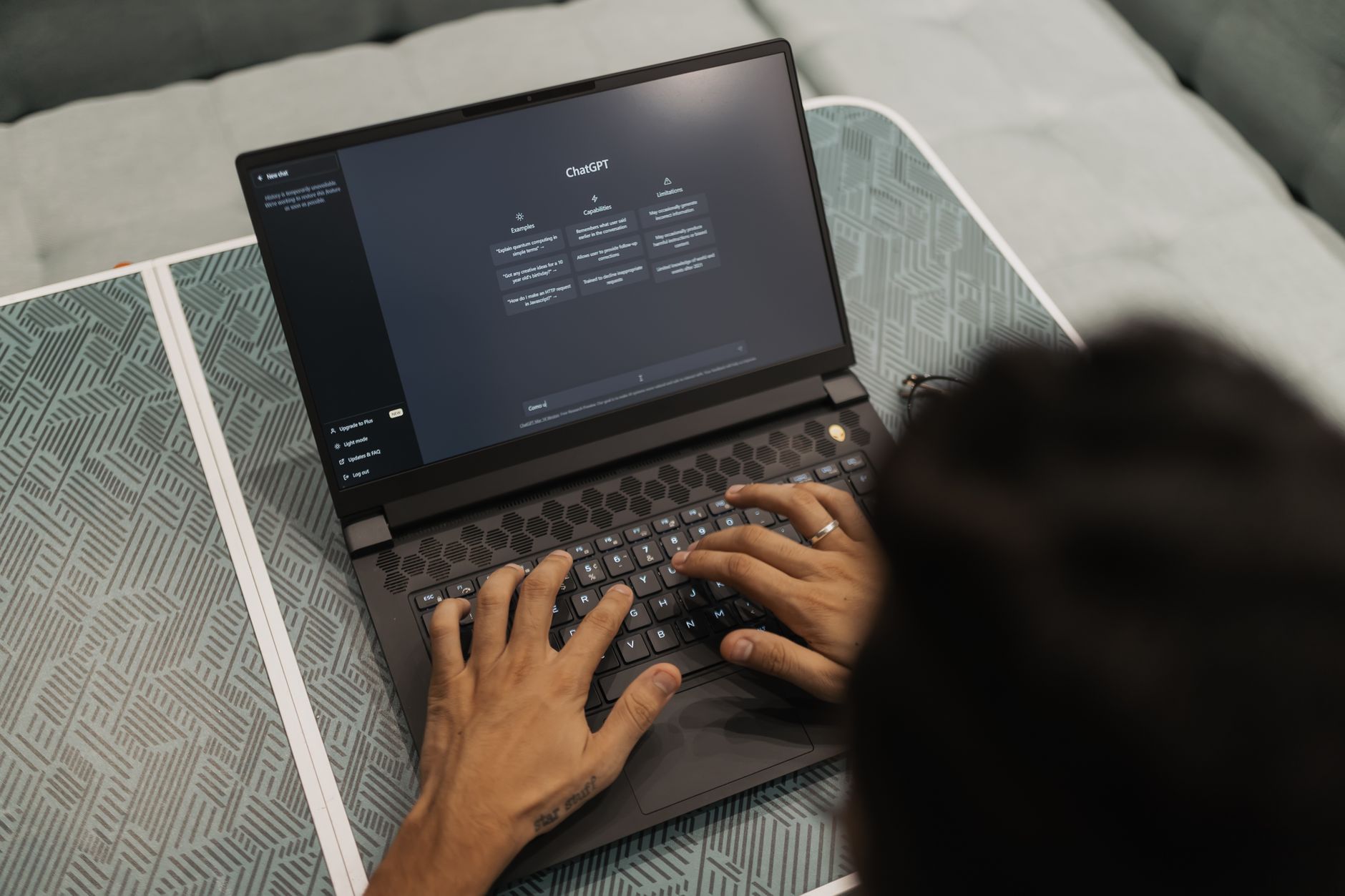
While WCAG doesn’t mandate “plain language” everywhere, readability strongly affects comprehension for people with cognitive disabilities, neurodivergent users, and anyone under stress or using a small screen. AI writing tools can help teams rephrase complex content, propose clearer headings, and standardize terminology. This supports inclusive content design—especially when paired with a real content style guide and editorial review.
Use AI to generate alternatives, then validate with humans: does the text remain accurate, legally safe, and aligned to user intent?
Accessibility backlogs can feel overwhelming. AI can help categorize issues by template, component, or severity, and identify patterns (for example, the same form label problem appearing across multiple pages). When monitoring is continuous, teams can catch regressions immediately after releases instead of discovering them months later.
Corpowid (corpowid.ai) supports ongoing accessibility monitoring and helps teams track remediation progress over time, which is especially useful when multiple teams ship changes frequently.
Many WCAG success criteria require human judgment or assistive technology testing. Examples include:
Automated tools can flag likely problems, but you still need manual QA, design review, and (ideally) usability testing with disabled users.
AI-driven overlays and accessibility widgets can provide helpful features like contrast toggles or text resizing. But they do not automatically make a site WCAG-compliant, and they can conflict with assistive technologies if implemented poorly. The safest approach is to remediate the underlying code and design first, then consider an overlay as a supplemental layer for user preferences.

AI-generated code or content can create accessibility problems if not reviewed. Common pitfalls include:
Establish a review process: design system standards, accessibility linting, manual testing, and sign-off criteria for releases.
The best results come from integrating AI into an accessibility program rather than treating it as a one-time fix. A practical, WCAG-aligned workflow looks like this:
If you’re exploring how responsible AI efforts connect to real accessibility outcomes, the discussion in AI for Good Summit: Turning Responsible AI into Real Web Accessibility offers useful context.
Accessibility compliance is shaped by the laws and procurement standards relevant to your organization. AI can support compliance work, but it can’t replace documentation, evidence, or governance.
Government and public-sector teams often need formal audit trails and repeatable methods. If your scope includes mobile experiences, the approach in Mobile App Accessibility Audit for Public Sector: A WCAG-Aligned Approach highlights how WCAG-aligned auditing translates beyond the web.
In the UK policy context, accessibility ties closely to equality objectives and service delivery. For a broader view of how government objectives connect to WCAG expectations, see DSIT’s Equality Objectives: What They Mean for Digital Accessibility and WCAG Compliance.
If you sell to government or enterprise buyers, you may be asked for a VPAT (or an Accessibility Conformance Report). AI can help gather evidence, but the report still needs accurate, testable statements and clear exceptions. The guide VPAT for Federal Contractors: How to Document WCAG and Section 508 Compliance walks through what’s expected.

AI can accelerate accessibility audits, support content improvements, and help teams monitor changes—making it easier to move toward WCAG conformance. But accessibility is ultimately about people: the lived experience of navigating the web with assistive technology, different input methods, and different cognitive needs.
When AI is combined with inclusive design practices, manual testing, and ongoing governance, it becomes a practical force multiplier. Tools such as Corpowid (corpowid.ai) can help teams operationalize that approach through auditing and monitoring—so accessibility stays part of how you build, not an emergency fix after launch.
Corpowid has been recognized by Gartner, a leading global research and advisory firm, for our innovation and performance in digital accessibility. These badges reflect our commitment to creating inclusive, AI-powered web experiences.









 TR
TR


