App store accessibility labels are meant to help users understand whether an app supports their access needs before they download it. In principle, that is a positive step. In practice, these labels can also create a new kind of risk: teams may feel pressure to present their app as more accessible than it really is.
Because accessibility nutrition labels are optional, some organizations assume there is little downside to being optimistic. But overclaiming can create a bigger problem than saying nothing at all. If your label suggests support for features your app does not consistently deliver, users notice quickly. That can damage trust, increase complaints, and expose gaps in your accessibility process.
For compliance, privacy, product, and digital teams, the real question is not whether a label looks good in the store. It is whether the claim is accurate, supportable, and aligned with the actual user experience. A modest, evidence-based label is far safer than an ambitious one that cannot stand up to testing.
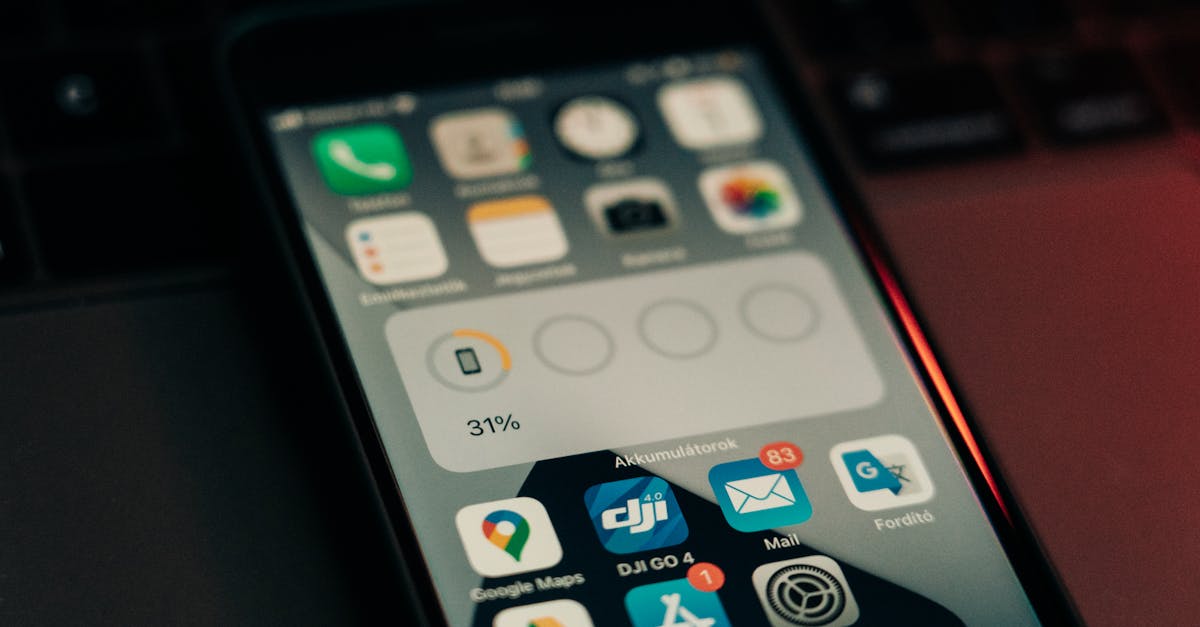
App store accessibility labels are designed to give users a clearer picture of accessibility support before they install an app. They can signal whether an app includes features or behaviors that may help people with different disabilities use the product more effectively.
That makes them useful for both users and product teams. For users, labels can reduce uncertainty. For businesses, they can encourage more intentional accessibility work and clearer communication about what has actually been implemented.
The problem starts when labels become a marketing shorthand instead of an operational truth. If the label is treated as a promotional asset rather than a verified statement, it can drift away from reality.
For many users, accessibility information is not a nice-to-have. It shapes whether they can use the app at all, whether they can complete core tasks independently, and whether they will trust the company behind it. A label that overstates support can waste time, create frustration, and leave users feeling excluded.
These labels also affect internal accountability. Once a claim is public, support teams, legal teams, accessibility specialists, and product owners may all need to stand behind it. If no one validated the claim before publication, the organization can end up reacting to preventable issues after launch.
Skipping an optional label may mean losing an opportunity to communicate accessibility efforts. Overclaiming, however, introduces a stronger and more immediate risk. A public statement that does not match the product experience can create a record of inconsistency between what the company says and what users encounter.
That mismatch can affect several areas at once: user trust, accessibility credibility, support burden, and broader compliance readiness. It can also make remediation harder, because the team is no longer just fixing barriers. It is also correcting a public claim.
If a user downloads an app because the label suggests meaningful accessibility support and then finds key workflows unusable, the disappointment is immediate. Trust is hard to rebuild once users feel misled.
When accessibility claims are inaccurate, support teams often become the first line of damage control. They may receive complaints, refund requests, poor reviews, or repeated issue reports that could have been avoided with better validation before publishing the label.
Any accessibility statement can attract attention from customers, procurement teams, partners, or internal stakeholders. If your organization is also discussing WCAG, ADA, EAA, VPATs, or conformance in other contexts, inconsistent claims across channels can create unnecessary friction.
Teams already managing broader digital compliance often benefit from a more disciplined approach to accessibility communication across properties, apps, and documents. That same mindset is increasingly important in app store listings as well.

Most overclaiming is not malicious. It usually happens because teams lack a clear review process. A product manager may interpret partial support as complete support. A marketing team may reuse language from a roadmap item. A developer may confirm one screen works with assistive technology while other critical flows remain untested.
In other words, overclaiming often reflects process gaps, not bad intent.
One common issue is assuming that a few successful test cases represent the entire app. Accessibility support has to be consistent across primary journeys, not just present in isolated screens.
An app may technically expose labels, support scaling, or respond to screen readers in some areas. That does not automatically mean the experience is usable, understandable, or complete for real users.
Accessibility can change with every release. A label that was accurate at one point may become inaccurate after updates if there is no process to review accessibility continuously. This is one reason many organizations are moving away from one-time checks and toward ongoing accessibility workflows. For teams thinking about how automation fits into that process, this perspective on AI-driven accessibility workflows is a useful starting point.
The safest approach is simple: only claim what your team can support with testing, review, and internal confidence. That does not require perfection. It requires discipline.
A defensible label is one that reflects the app as it exists today, not the app your team expects to ship next quarter.
Review the app’s most important workflows first. If a user cannot sign in, navigate, complete a purchase, submit a form, or access key content with their assistive technology, broad accessibility claims may be premature.
Automation can help identify issues faster, but it should not be the only input behind a public accessibility claim. Manual review remains important for understanding actual usability, especially in mobile app experiences and interactive flows.
Someone should be responsible for validating the label before it goes live. In many organizations, that means aligning product, accessibility, legal, and compliance stakeholders so that public claims are reviewed with the same care as other customer-facing statements.
Accessibility labels should not be set once and forgotten. If releases introduce new components, redesigns, or regressions, the label may need to be updated. Continuous monitoring and periodic review help reduce that risk.
It is easy to treat app store accessibility labels as a communications task. In reality, they are the output of a larger accessibility program. If the underlying testing, remediation, and governance are weak, the label becomes fragile.
That is why mature teams focus less on saying everything and more on building a repeatable process: audit, test, fix, monitor, document, and then communicate carefully. Public accessibility language is strongest when it reflects operational reality.
This is similar to how organizations handle other compliance-facing website disclosures. Whether the topic is accessibility, consent, or legal documentation, the underlying principle is the same: statements should be accurate, current, and supportable. For example, teams that already maintain structured compliance workflows often take a similar approach to related areas such as consent review and disclosure management. If that is relevant to your broader program, this guide to running a cookie audit shows how disciplined review processes reduce risk before public claims are made.

If your team is uncertain whether a label fully reflects the app experience, the safer choice is to be conservative. Underclaiming may feel less impressive, but it is usually easier to improve a modest claim later than to explain why a stronger claim was inaccurate.
That approach protects users and the business. It also creates a healthier internal incentive: teams work to earn stronger accessibility claims through testing and remediation rather than publishing them first and catching up later.
For organizations managing accessibility across websites, apps, and digital touchpoints, this mindset supports stronger long-term compliance readiness. It encourages continuous evidence gathering instead of one-time declarations.
Because accessibility nutrition labels are optional, some teams assume they are low risk. The opposite can be true. Once you publish an accessibility claim, you create an expectation. If the app does not meet it, the cost can show up in user trust, internal workload, and compliance scrutiny.
The better strategy is not to avoid accessibility communication altogether. It is to make sure your public claims are grounded in real testing, clear ownership, and ongoing review. In the context of app store accessibility labels, accuracy is more valuable than ambition.
For businesses building a broader digital compliance program, accessibility claims should be part of a continuous process, not a one-time checkbox. That is where structured auditing, monitoring, remediation, and documentation become especially important.
The title of this article reflects the key point: these accessibility nutrition labels are optional. Even so, optional does not mean risk-free. If a business chooses to publish them, the claims should still be accurate and supportable.
Because the issue is not just whether the label had to be published. The issue is whether the public claim matches the actual user experience. If it does not, users may feel misled and internal teams may need to respond to complaints, reviews, or scrutiny.
The safest approach is to base labels on tested, current app behavior. Review important user journeys, combine automated and manual testing where possible, and update claims when releases change the experience.
No. The goal is not perfection. The goal is accuracy. Teams can communicate accessibility support responsibly as long as they only claim what they can reasonably validate.
They should be treated as one public-facing part of a larger process that includes accessibility testing, remediation, monitoring, documentation, and governance. Strong labels usually come from strong operational practices behind the scenes.
Mobile apps may surface accessibility labels, but websites usually do not. That means buyers rely on other signals to assess accessibility risk. Here’s what they typically review and how teams can prepare.
Apple’s accessibility nutrition labels put accessibility information closer to the point of download. Here’s why that matters, what teams should review now, and how to prepare your product for greater accessibility scrutiny.
Corpowid has been recognized by Gartner, a leading global research and advisory firm, for our innovation and performance in digital accessibility. These badges reflect our commitment to creating inclusive, AI-powered web experiences.









 TR
TR