Automated accessibility tools are great at catching repeatable, code-level problems: missing form labels, low color contrast, empty buttons, broken heading structures. But if your goal is to ship a site that people can actually use—across different disabilities, devices, and assistive technologies—automation is only the beginning.
User testing with people with disabilities consistently beats any automated tool because it reveals what matters most: whether real tasks are possible in the real world. It exposes confusing flows, unexpected barriers, and “technically compliant” experiences that still feel unusable.
Automated checkers typically evaluate a page against patterns associated with WCAG failures. They can be fast, scalable, and consistent—especially useful for monitoring large sites, catching regressions, and auditing templates.
However, automation has hard limits:
Platforms like Corpowid (corpowid.ai) are still essential here: automated audits and monitoring help you identify baseline issues quickly and keep improvements from slipping. But even the best automation should be paired with human-centered testing to validate real usability.
Disability user testing isn’t just another QA step—it’s reality checking. When you observe someone using a screen reader, switch control, voice input, screen magnification, or keyboard-only navigation to complete key tasks, you learn where your design assumptions break.
A page can meet many WCAG success criteria and still be frustrating. Examples that frequently surface in disability-led testing include:
These are the problems that impact conversion, trust, and support costs—especially in regulated or high-stakes spaces like finance, where inclusive UX can be a competitive advantage (see digital accessibility for fintech startups).
Automated tools don’t replicate how people actually configure and use assistive technology. In testing, you’ll see variations like:
Seeing these differences firsthand helps teams stop designing for an imaginary “average” user and start designing for a range of real strategies.

Automation can tell you what is likely wrong. Users help you understand why it’s a barrier and what a better experience feels like. For example:
This qualitative insight is gold for inclusive design. It also helps teams prioritize fixes by impact, not just by checklist severity.
WCAG is the dominant technical standard for web accessibility, but it’s not a complete usability manual. User testing helps validate that your WCAG work actually produces accessible outcomes.
Think of it like this:
This is particularly important if your organization needs formal documentation like an accessibility conformance report. Testing findings often feed directly into evidence and remediation planning described in what an Accessibility Conformance Report is and how to create one.

To get the most value, focus disability user testing on critical journeys and interaction-heavy areas:
If your site spans multiple regions and audiences, inclusive testing is also a way to understand who gets excluded by default patterns. The social impact comes through clearly in discussions like who gets left behind online and regional accessibility progress such as bridging the accessibility gap.
Aim to include participants who reflect different access needs and tools. A balanced small study might include:
Write task prompts around outcomes: “Update your delivery address,” “Find the return policy,” “Add a beneficiary,” “Schedule an appointment.” Success is measured by completion, time, confidence, and errors—not by whether a checkbox is ticked.
Make it clear you’re testing the product, not the person. Provide breaks, allow personal assistive tech setups, and avoid rushing. Accessibility testing is about reducing stressors, not adding them.
Record sessions (with consent), take notes on assistive tech, browser/device, and the exact step where failure occurs. Pair findings with technical hypotheses (focus management, ARIA roles/states, labeling, timing) so developers can remediate efficiently.
The best approach is not “users vs. tools.” It’s sequencing and coverage:
This is where a platform like Corpowid (corpowid.ai) can support the operational side—running automated audits, monitoring over time, and helping teams track improvements—so that disability-led testing time is used to validate the hardest, most human issues rather than re-finding basic errors.
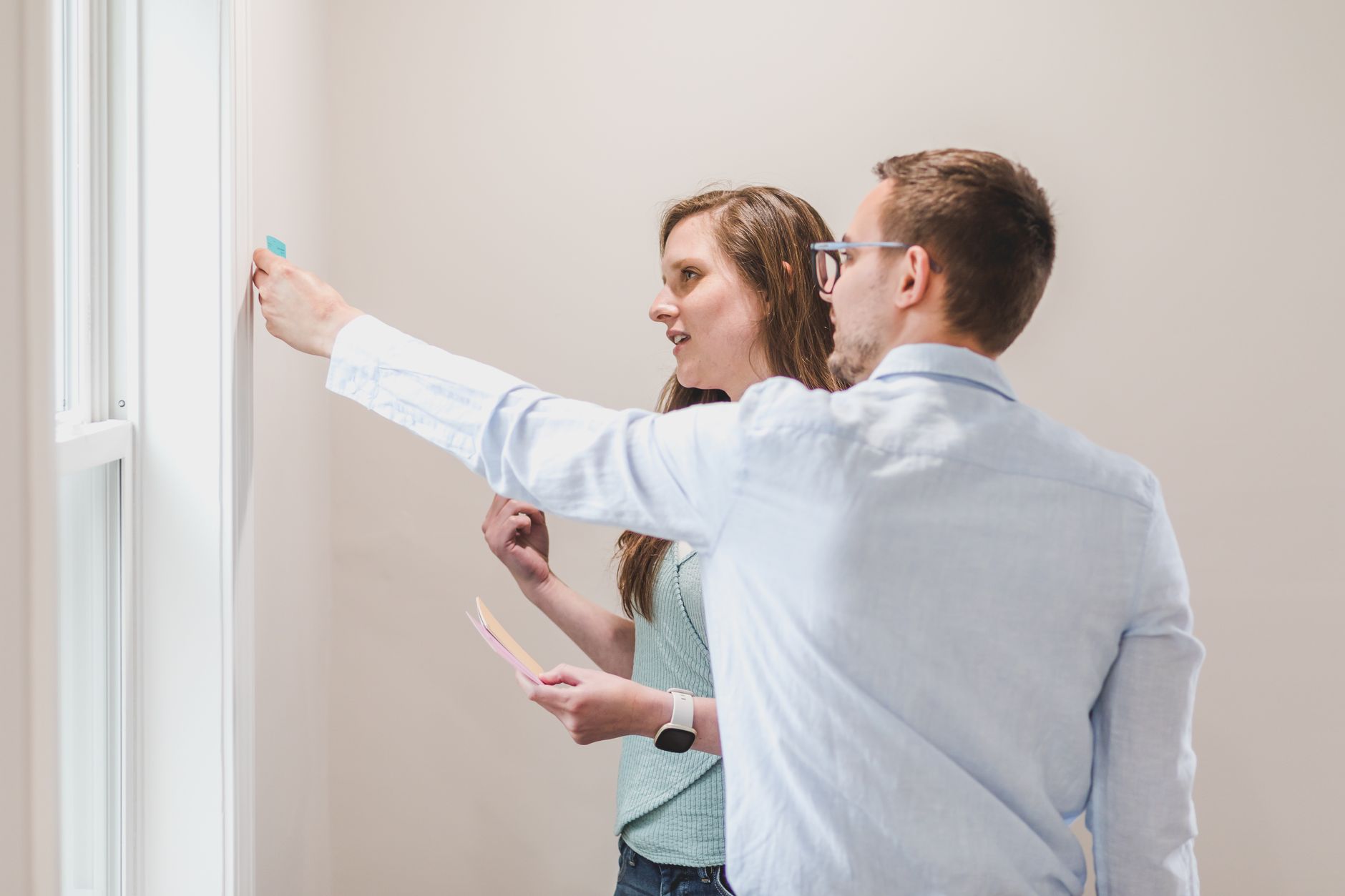
Many organizations start accessibility work because of legal risk and procurement requirements. For example, customers may ask for VPAT documentation, and understanding what VPAT services include often prompts teams to tighten both testing and documentation.
But passing an audit is not the same as delivering an inclusive experience. Disability user testing keeps teams honest: it proves whether your “accessible” design actually works for the people it’s meant to serve.
Automated tools are indispensable for scale and consistency, but they can’t replicate human workflows, assistive technology strategies, or the nuance of real comprehension. If you want an experience that is truly accessible—not just technically plausible—test with people with disabilities early and often.
Use automation to cover breadth, and user testing to confirm depth. That combination is what turns WCAG compliance into inclusive design.
The ADA Title II deadline extension may look like extra time, but for many public entities it mainly shifts pressure rather than removing it. Here’s why waiting can increase accessibility risk and what teams should prioritize now.
A year into the European Accessibility Act, businesses are moving from theory to operational readiness. Here’s what enforcement has actually looked like, where teams are getting caught out, and how to build a stronger accessibility process.
Corpowid has been recognized by Gartner, a leading global research and advisory firm, for our innovation and performance in digital accessibility. These badges reflect our commitment to creating inclusive, AI-powered web experiences.









 TR
TR


