Cookie consent is not a “set it and forget it” decision. In privacy programs, the question “How long does cookie consent last?” really means two things: (1) how long you can rely on a previously captured choice before you should ask again, and (2) how long you need to keep evidence of that choice. For accessibility and inclusive design, there’s a third layer: if your renewal and record-keeping process isn’t usable by everyone (including keyboard-only and screen reader users), you can end up with consent that’s legally and ethically fragile.
This article explains common renewal periods, what events should trigger re-consent, and how to keep consent records in ways that support both privacy compliance and accessible user experiences.
Cookie consent typically “lasts” for a defined period set by your consent management approach and local expectations. While laws and regulators vary by jurisdiction, common themes show up across guidance and enforcement:
From an accessibility standpoint, if a user can’t review or change their cookie preferences due to a non-compliant interface, the “withdrawal” requirement becomes theoretical rather than practical—an issue that inclusive design aims to prevent.
Many organizations adopt a 6-month or 12-month renewal period for cookie consent—especially for analytics/advertising cookies—because it balances user fatigue with the need to keep consent current. You’ll see these time frames commonly referenced in industry practice and regulator expectations (particularly in EU/UK contexts).
Whatever period you choose, document your reasoning. If a regulator, auditor, or internal privacy team asks “Why that number?”, you should be able to point to your governance process and how you ensure user expectations remain aligned.
Renewal isn’t only about time. You should re-ask for consent when the scope of processing changes in ways the user wouldn’t reasonably expect based on their original decision.
If you use Google Consent Mode, make sure your consent states remain consistent across tags and user choices. For deeper context, see Google Consent Mode v2: Basic vs Advanced, and Why the Difference Matters for Accessibility.

Cookie consent experiences are often the first interaction a user has with your website. If renewal prompts are difficult to use, some users can’t express a preference—creating inequitable outcomes and undermining the legitimacy of the consent you collect.
Because renewal banners appear repeatedly by design, any accessibility bug repeats too—multiplying user frustration. If you’re building or updating your consent UI, align it with the guidance in How to Make Your Cookie Banner Accessible: WCAG 2.2 Requirements for Consent.
Consent records are your proof that a choice was presented fairly and stored correctly. The goal is to maintain enough information to demonstrate compliance, without storing excessive personal data.
Be cautious with identifiers (like IP address or device fingerprinting). Work with legal counsel to define what’s necessary for accountability versus what becomes over-collection.

Retention of consent logs often follows a “as long as needed for accountability” approach, typically aligned to internal audit cycles and limitation periods. A practical pattern is:
Key point: your retention schedule should be documented and consistently applied. Deleting all consent history too quickly can leave you unable to demonstrate compliance; keeping it forever can violate data minimization principles.
Cookie consent increasingly involves browser- or device-level signals. Preparing for these can reduce friction and improve inclusion—especially for users who rely on consistent system settings rather than repeated pop-ups.
To understand where this is heading, read Global Privacy Control and Universal Opt-Out Signals: Preparing Before Enforcement.
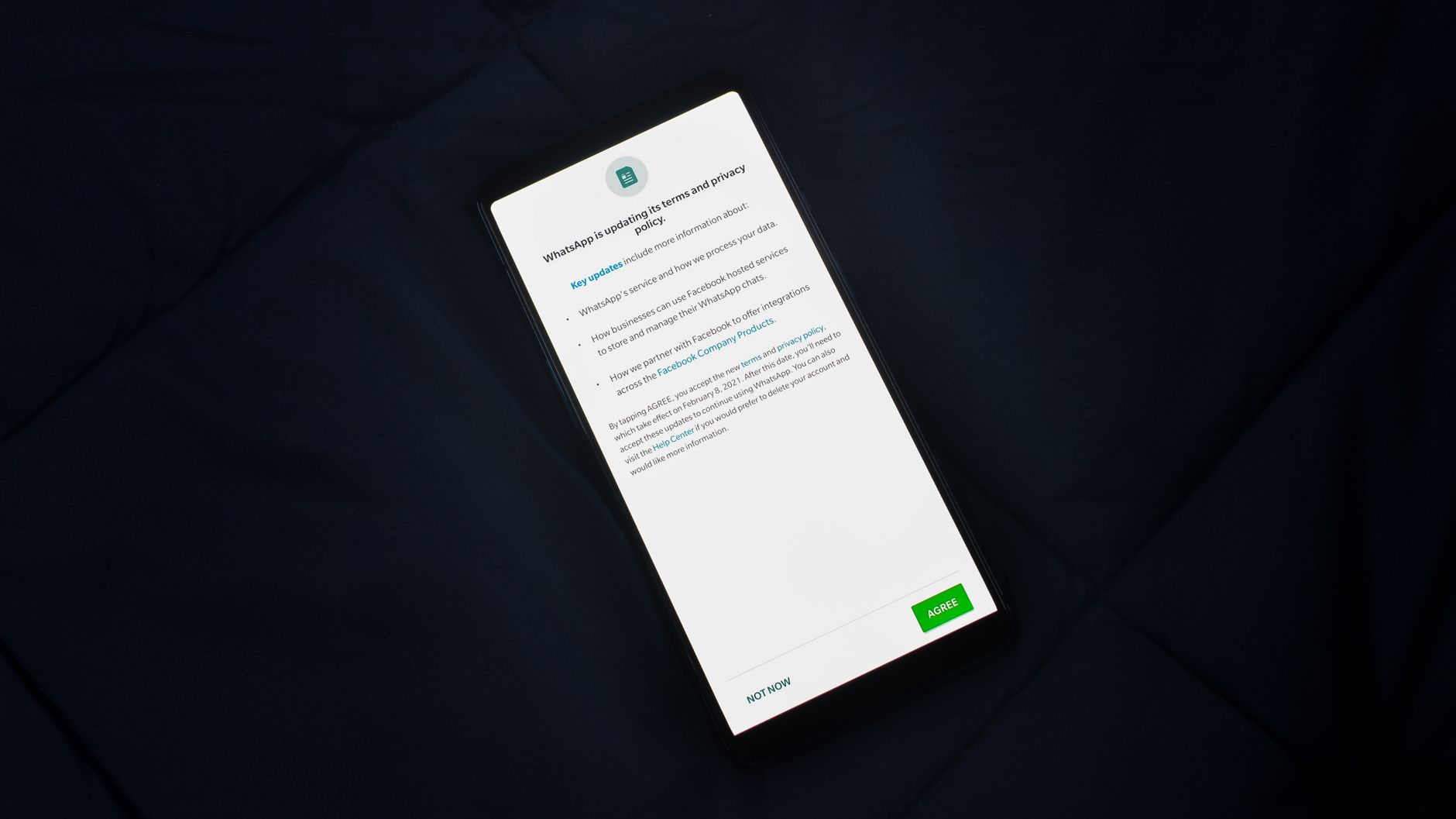
Consent validity depends on ongoing governance. If your marketing scripts change weekly but your consent text is reviewed yearly, you’re likely out of sync.
Tools can help here: Corpowid (corpowid.ai) supports automated accessibility audits and monitoring, which can help teams catch regressions in consent UI components (like modals, toggles, and focus behavior) before they become recurring barriers during consent renewal.
Some teams assume an accessibility overlay can “solve” consent accessibility. In practice, overlays may not remediate underlying DOM and interaction issues in complex components like consent modals—and can introduce their own usability problems. For context, see Why Accessibility Overlays Get Sued — and What Real Remediation Looks Like.
Accessible consent isn’t just a compliance checkbox; it’s part of building digital environments where more people can participate confidently. In emerging and rapidly digitizing markets, reducing friction at the first interaction can meaningfully affect trust and engagement. The broader perspective is explored in Creating Inclusive Pathways to Africa’s Digital Future.
If you want a practical way to keep consent components from drifting out of compliance as your site evolves, Corpowid (corpowid.ai) can help teams monitor accessibility issues continuously and maintain more consistent, WCAG-aligned user experiences around privacy choices.
Corpowid has been recognized by Gartner, a leading global research and advisory firm, for our innovation and performance in digital accessibility. These badges reflect our commitment to creating inclusive, AI-powered web experiences.









 TR
TR


