In 2026, AI is no longer a “nice-to-have” feature layered onto digital products—it’s embedded in customer support, content creation, personalization, moderation, and even core user journeys like onboarding and checkout. At the same time, Europe has moved from accessibility planning to accessibility enforcement. The result: the EU AI Act and digital accessibility are intersecting in very real, operational ways for product teams, designers, developers, and compliance leaders.
This article explains where the EU AI Act can create accessibility obligations (even when “accessibility” isn’t the headline), how those duties align with WCAG-based best practices, and how to reduce risk when AI influences your interface, content, or decision-making.
The EU AI Act establishes requirements for how certain AI systems are designed, deployed, documented, and monitored—especially when they pose higher risks to people’s rights, safety, or access to essential services. Accessibility comes into play because inaccessible AI-driven experiences can function like discrimination: they can block people with disabilities from understanding information, completing tasks, or receiving equal service.
Even when an AI system is not explicitly “accessibility tech,” it may still affect:
In parallel, the European Accessibility Act (EAA) is being enforced, raising expectations for accessible digital services. If you need a refresher on what changed on the accessibility side, see The European Accessibility Act Is Now Being Enforced — Here’s What Changed in 2026.
AI can introduce accessibility issues in ways traditional web QA doesn’t always catch. Common failure patterns include:
Because standards evolve, it’s also worth aligning to the newest baseline. Many AI UX patterns (like dynamic updates) map cleanly to newer guidance—see WCAG 2.1 vs 2.2: Why You Should Adopt the New Baseline Now.
Although the EU AI Act is broader than accessibility, several requirements push organizations toward more accessible, inclusive outcomes—especially for high-impact AI. In practice, accessibility teams can treat these as reinforcement mechanisms for doing WCAG work “the right way,” with better evidence and governance.
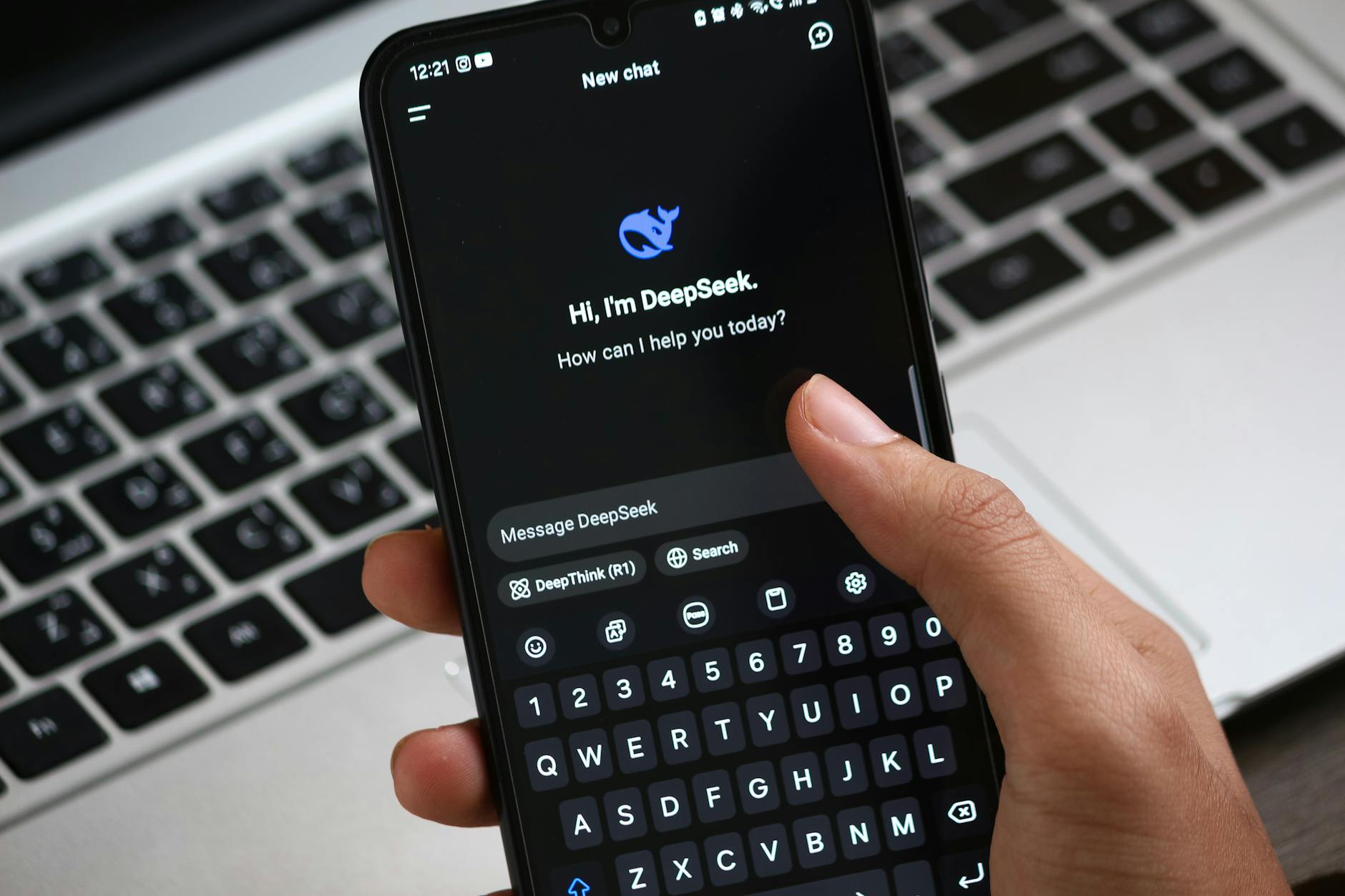
When people interact with AI (for example, a customer support chatbot or an AI assistant embedded in a banking portal), transparency expectations typically include informing users they are interacting with an AI system and providing meaningful instructions for use.
Accessibility implication: disclosures, instructions, and limitations must be perceivable and understandable to everyone. That means plain language, sufficient contrast, screen-reader-friendly presentation, and no time-based barriers that prevent users from reading or reacting.
Many AI deployments require human oversight or the ability to intervene when something goes wrong.
Accessibility implication: “contact a human” cannot be a tiny link, a phone-only option, or a non-keyboard-accessible pathway. If the AI is the front door to services, the fallback must be accessible and equivalent—particularly important under EAA expectations.
The EU AI Act’s risk framing includes attention to data quality and performance across relevant groups. Disabled users are often missing from training and evaluation datasets, which can lead to failures like:
Accessibility implication: test datasets and evaluation plans should include disability-related scenarios and assistive technology interaction paths, not just “average user” flows.
AI systems drift. Models change, prompts get tweaked, and UI components are replaced. The AI Act’s emphasis on monitoring aligns with accessibility reality: a site can be compliant today and broken tomorrow.
Accessibility implication: treat accessibility as a continuous control, not a one-time project. Tools like Corpowid (corpowid.ai) can help by running automated accessibility audits and ongoing monitoring to catch regressions when AI-driven components or content updates introduce new WCAG failures.

In 2026, organizations feel the EAA not just as a policy requirement but as operational risk. When AI becomes part of an “EAA-covered” service (like e-commerce, banking, telecom, transport, or e-books), inaccessible AI UX can create the same outcome as an inaccessible checkout button: users can’t complete essential tasks.
Two practical realities follow:
Also note that accessibility obligations may apply even if your company isn’t based in the EU. If you sell into EU markets through digital channels, the EAA can still reach you—see Selling Into the EU From Outside Europe? The EAA Still Applies to You.
To manage the EU AI Act and accessibility together, teams need shared controls. Here’s a pragmatic checklist that connects AI governance activities to accessibility outcomes.

Vendors matter, but your organization still owns the customer experience. Build accessibility requirements into procurement and acceptance criteria, and validate with real testing.
Accessibility overlays/widgets can help with certain user preferences, but they don’t replace accessible engineering. Use them as a supplement to WCAG remediation and monitoring, not as a substitute.
AI experiences change frequently. Treat accessibility like uptime: monitor, triage, and fix continuously.
In 2026, the EU AI Act and accessibility compliance reinforce the same core message: digital systems must be trustworthy, usable, and safe for everyone—including people with disabilities. If your AI can change what users see, how they navigate, or whether they can complete a task, it belongs in your accessibility scope.
Start by mapping AI touchpoints, testing them against WCAG (including dynamic content behaviors), and establishing monitoring so updates don’t silently introduce barriers. With the EAA now actively enforced, organizations that combine AI governance with strong accessibility engineering will be best positioned to reduce legal risk and deliver better experiences for all users.
Corpowid has been recognized by Gartner, a leading global research and advisory firm, for our innovation and performance in digital accessibility. These badges reflect our commitment to creating inclusive, AI-powered web experiences.









 TR
TR